
8 apt commands Linux users should know
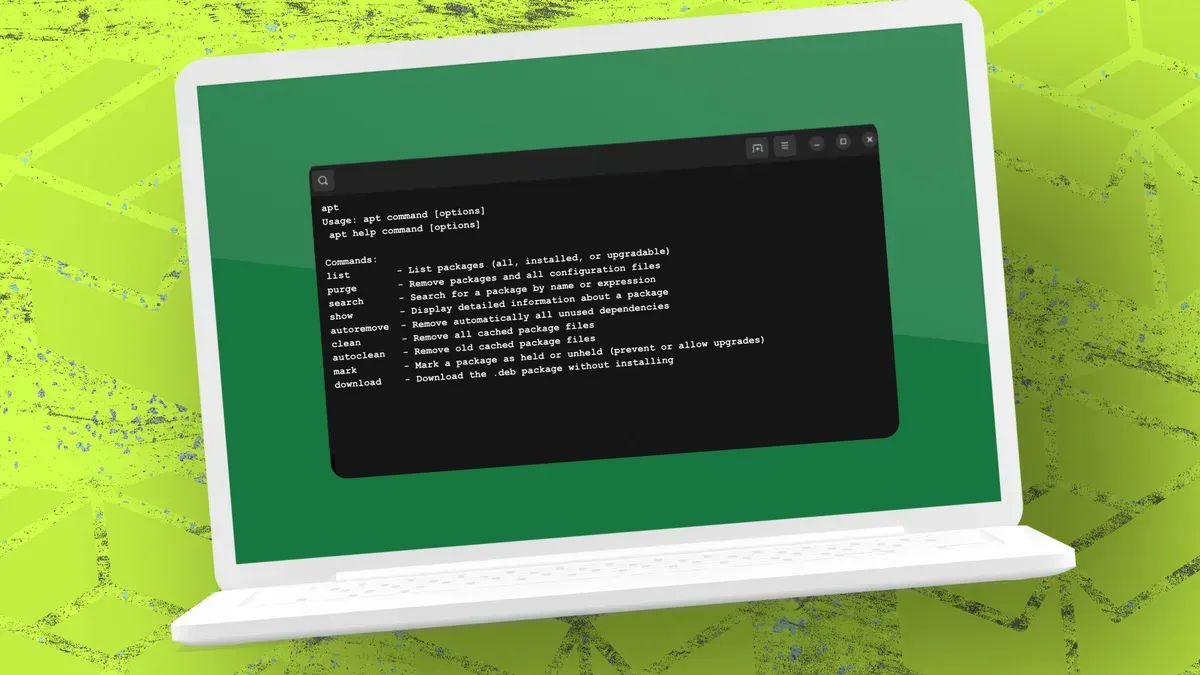
Apt is more than a basic installer; the Debian/Ubuntu package manager offers several lesser-known options that make package management more efficient. The author draws on long experience with Debian/Ubuntu-based distributions and introduces commands that go beyond install, remove, update, and upgrade.
To see which packages are available, installed, or upgradeable, use apt list. Running apt list shows every package, while apt list --upgradable lists installed applications that can be upgraded and apt list --installed shows installed packages. To remove an application and its leftover configuration and cache files use sudo apt purge <package>.
Search for packages with apt search, for example apt search spotify; results can be fuzzy, so you can limit matches with apt search spotify | grep -i -w spotify. View package details before installing with apt show <packagename> (for example, apt show geary) to see author, size, dependencies, source repository, conflicts, and more.
apt, apt list, apt search, apt show, apt purge, debian, ubuntu, package manager, installed packages, upgradable packages