
How to add a cheap or free backup carrier to your iPhone or Android
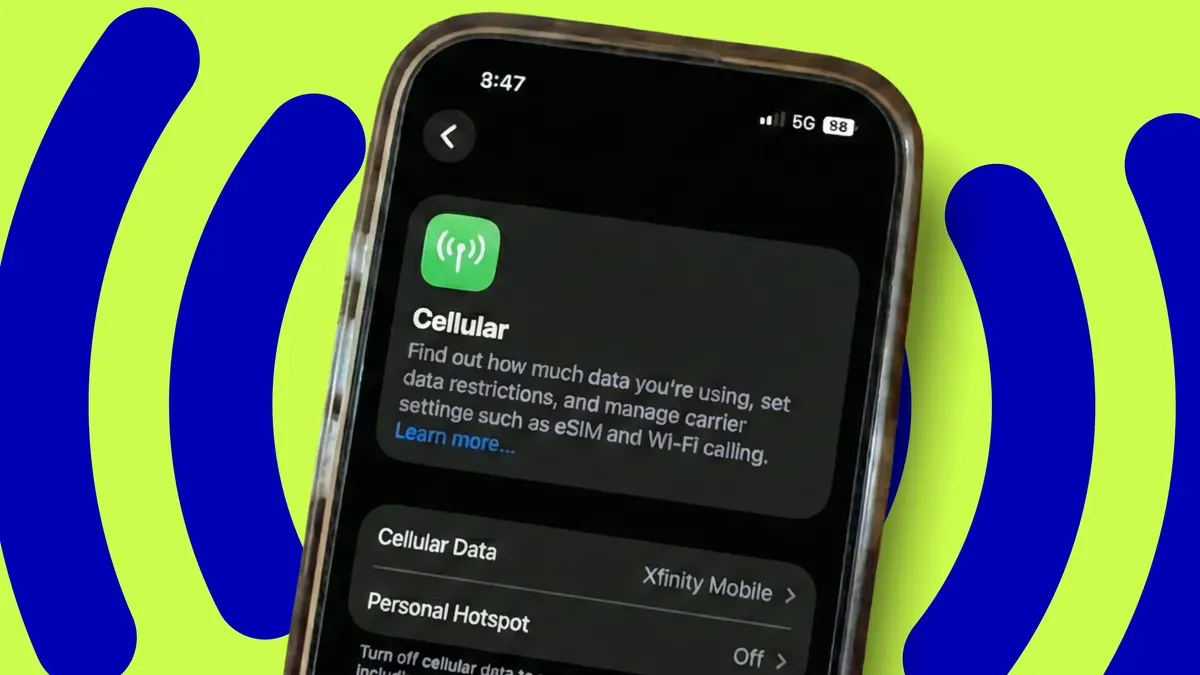
ZDNET's Lance Whitney explains how to add a backup carrier to an iPhone or Android using either an eSIM or a second physical SIM, noting that cheap prepaid plans or free promos can make a backup line affordable and that a backup can keep calls, texts and data working during outages.
Whitney recounts a recent Verizon outage that interrupted his Apple CarPlay directions and says that low-cost options exist: as a Comcast subscriber he gets a year of Xfinity Mobile free, and on his test phones he uses a prepaid T‑Mobile plan that cost $10 a month (now $15). He also notes smaller carriers and MVNOs can be inexpensive and that a backup line only needs minimal talk, text and data to be useful.
Most phones today support eSIMs, which Whitney recommends if the carrier offers it; adding a physical SIM requires a phone with two slots, which is less common. On an iPhone the steps are Settings > Cellular > Add eSIM and then choose a setup method (Transfer from Nearby iPhone, Use QR Code, Transfer from Android or View Travel Options), scan the QR code and enter any confirmation code to activate.
On Android the steps are Settings > Network & internet > SIMs > Add SIM, then set up an eSIM, choose the carrier, scan the QR code and activate. Once set up you can name the lines, set SIM preferences and keep your regular carrier as the default.
Key Topics
Tech, Esim, Iphone, Android, Xfinity Mobile, T-mobile