
Clear your Samsung Galaxy Watch cache to reduce lag and battery drain
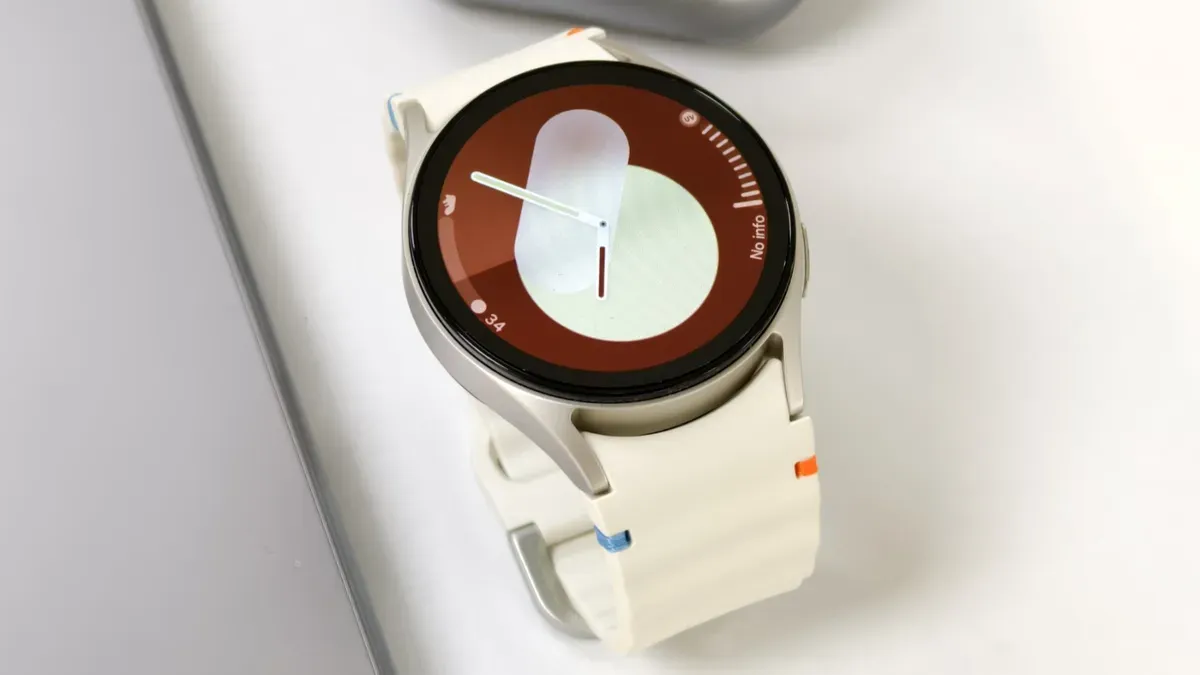
Clearing the cache on a Samsung Galaxy Watch can speed up a slow device and reduce battery drain; restarting the watch does not clear the cache, so manual steps are needed.
Cache is temporary data that builds up as you switch between apps and use features, and that buildup can cause slower performance, frozen screens and increased battery drain. According to a Samsung spokesperson, the watch's memory management operates automatically through system-driven optimization, but you can still take manual steps to clear memory.
To close recent apps on the watch, swipe up from the watch face, tap the Recent apps icon and select Close all. To manage apps running in the background, open Recent apps, tap Active in background and choose specific apps to close. To free space on the paired phone, go to Settings, select Device Care, tap Memory and choose Clean Now.
It's best practice to occasionally clear the cache when you notice slowdowns; the process is described as straightforward and quick. One Reddit user warns against clearing the cache immediately after a software update, when the watch may be rebuilding its cache, and a reboot will not remove cached data even if it can fix some bugs.
Key Topics
Tech, Samsung Galaxy Watch, Samsung, Cache, Device Care, Android