
Clearing Fire TV app cache restores speed and frees storage
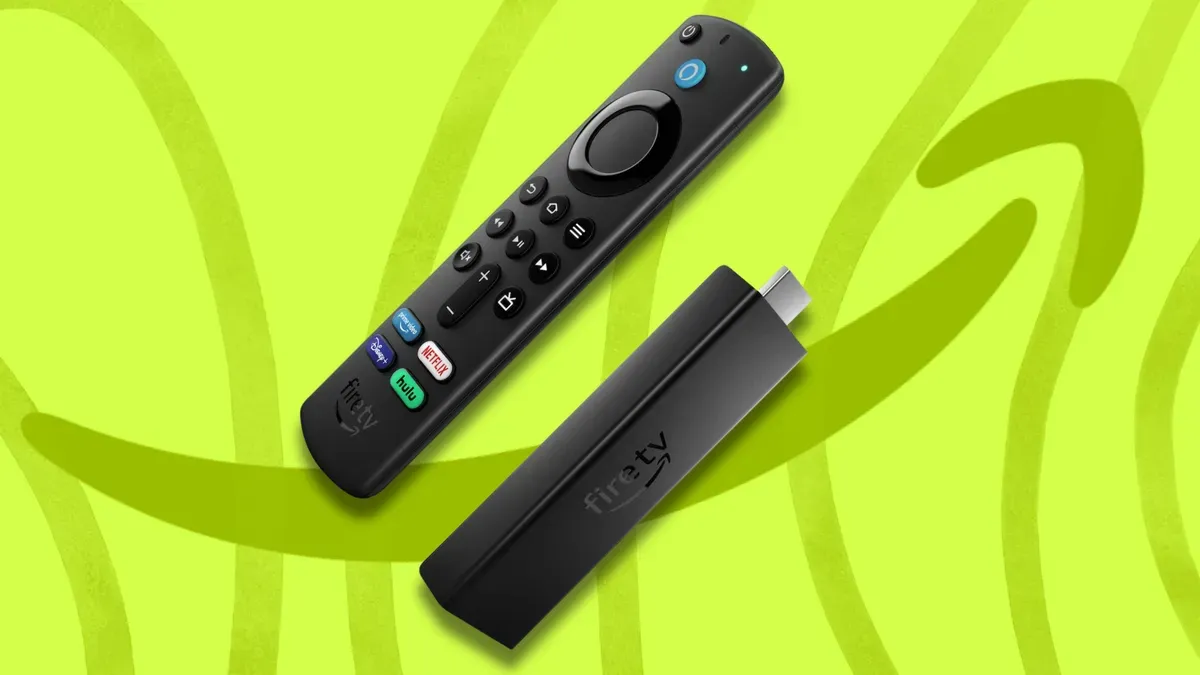
Clearing cached app data on Fire TV devices can restore speed and free up storage.
Clearing cache removes temporary files and bits of data that streaming apps and games store to launch and work faster. Over time these files can accumulate and slow down performance; cached files can sometimes consume hundreds of megabytes, or even gigabytes. Wiping cache restores snappier performance without affecting saved settings because it only deletes temporary data, while choosing Clear Data resets the app as if it had just been installed.
For most apps you use regularly, clearing cache once every month or so is often enough. If you notice lag or slow loading times, clear the cache immediately. Keep in mind, Fire TV will automatically clear the cache for unused apps after 30 days if storage runs low.
Clearing cache works on all Fire TV models and the steps are the same whether you're using a Fire TV Stick Lite, Fire TV Stick 4K, Fire TV Cube, or a smart TV running Fire OS. You can clear all app caches at once under Settings > Applications > Manage Installed Applications, select Clear all application caches, and confirm. As an alternative, you can clear your Fire TV device's cache through the Amazon website by going to Manage Your Content and Devices, selecting your Fire TV device from Devices, and choosing Clear Your Fire TV Cache.
Key Topics
Tech, Fire Tv, Amazon, Fire Os, App Cache, Fire Tv Stick