
Eight HDMI tweaks to improve your TV's picture and sound
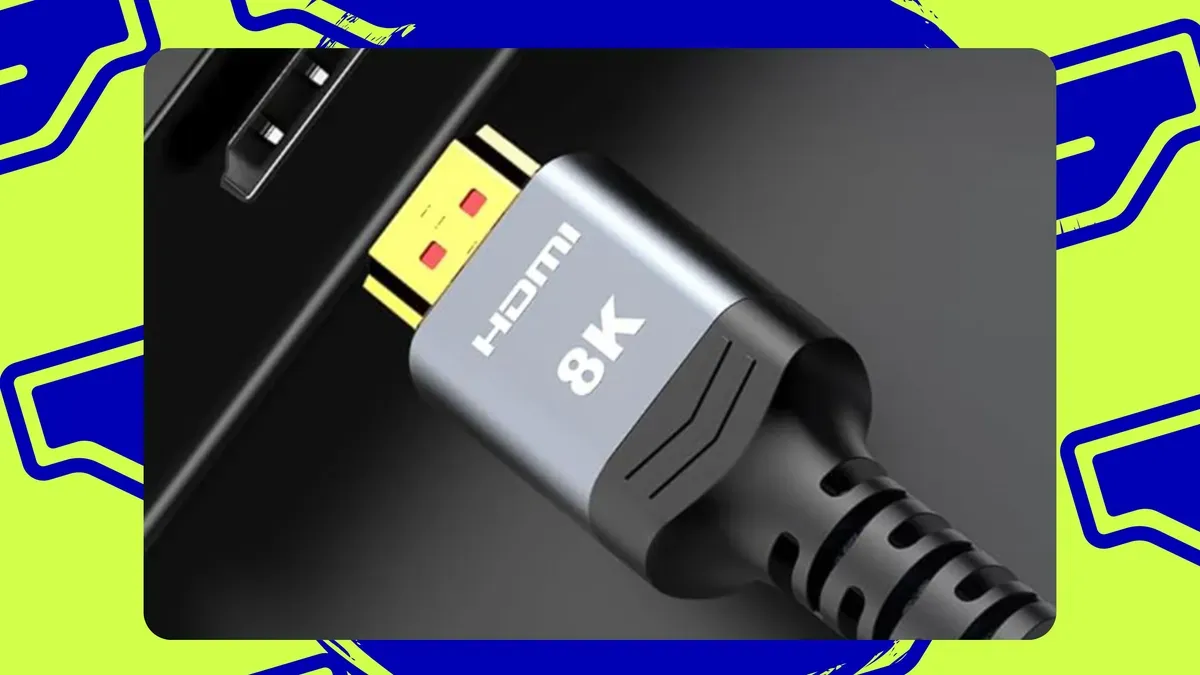
ZDNET lays out eight HDMI tweaks that can noticeably improve a TV's picture and sound, saying most of them are free and that a few quick checks can prevent HDMI problems and boost performance. The guide urges using the correct HDMI ports: identify high-bandwidth ports labeled with terms like "4K 120Hz," "8K," or "HDMI 2.1" for gaming PCs and consoles, and use the port labeled "ARC" or "eARC" for soundbars and receivers.
It also recommends reserving standard HDMI 2.0 ports for older devices and streaming sticks. ZDNET advises using certified high-speed HDMI cables (labels such as "high speed," "premium high speed," or "ultra high speed") and notes bandwidth examples — ultra high-speed (48Gbps) for HDMI 2.1 features and premium high-speed (18Gbps) for 4K60.
The guide also covers enabling enhanced input features (brand names cited include LG's "HDMI Ultra HD Deep Color," Samsung's "Input Signal Plus"/"HDMI UHD Color," and Sony's "Enhanced Format"), choosing appropriate picture modes (Game, Filmmaker, Movie, etc.), and enabling ALLM and VRR for gaming.
For audio, it explains that eARC supports higher-bandwidth, uncompressed formats such as full-quality Dolby Atmos and DTS:X compared with ARC.
Key Topics
Tech, Hdmi, Earc, Ultra High-speed Cable, Vrr, Allm