
Enable Google's free VPN on your Pixel phone
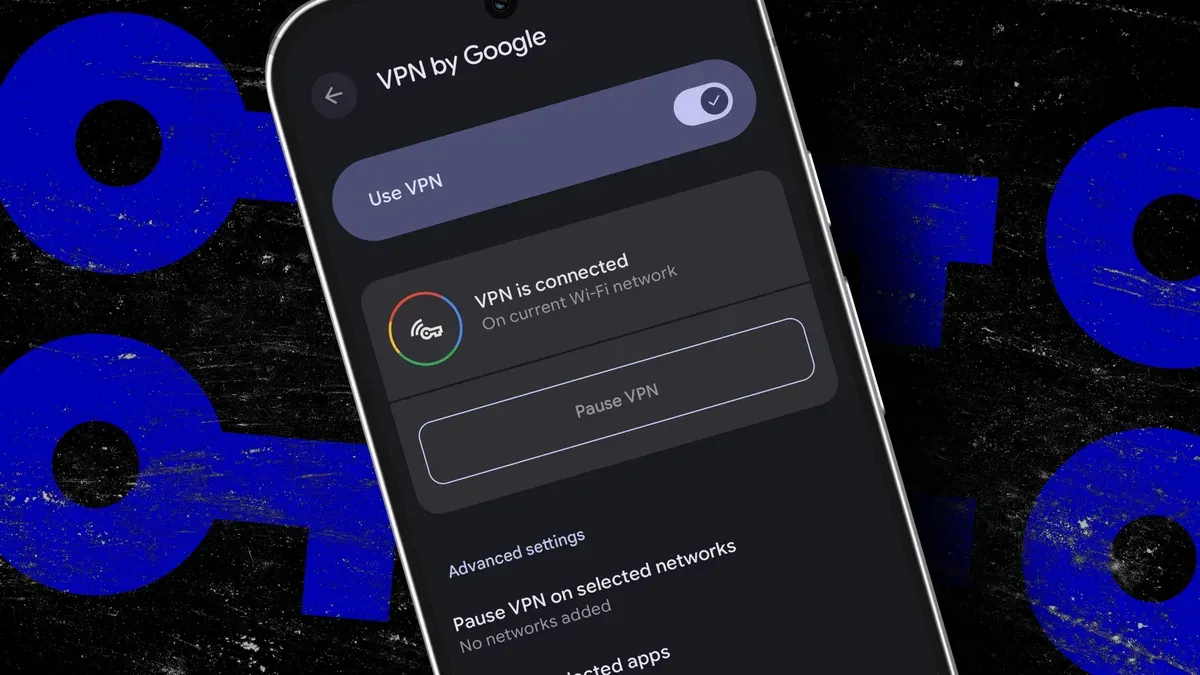
Pixel 7 and newer devices, as well as the Pixel Tablet, include a free VPN called VPN by Google. It encrypts the internet traffic leaving your phone to protect you on public Wi‑Fi and hides browsing activity from internet service providers, though it does not change your location to bypass regional restrictions.
To use it you need a Google account, an internet connection, and a Pixel 7 or newer device. Open the Settings app (from the app drawer or the home‑screen search bar), then go to Settings > Network and internet > VPN > VPN by Google. The first time you open it your Pixel will show how the VPN works and ask you to enable the Use VPN toggle; a key icon appears when the connection is active and the device will reconnect automatically when you join networks.
From the same VPN by Google screen you can Pause or Resume the service and choose to pause it on selected networks so the VPN stays off on, for example, your home Wi‑Fi.
google vpn, pixel 7, pixel tablet, vpn toggle, settings app, encrypted traffic, public wi‑fi, isps, regional restrictions, auto reconnect