
Five free adjustments to improve your soundbar's audio quality
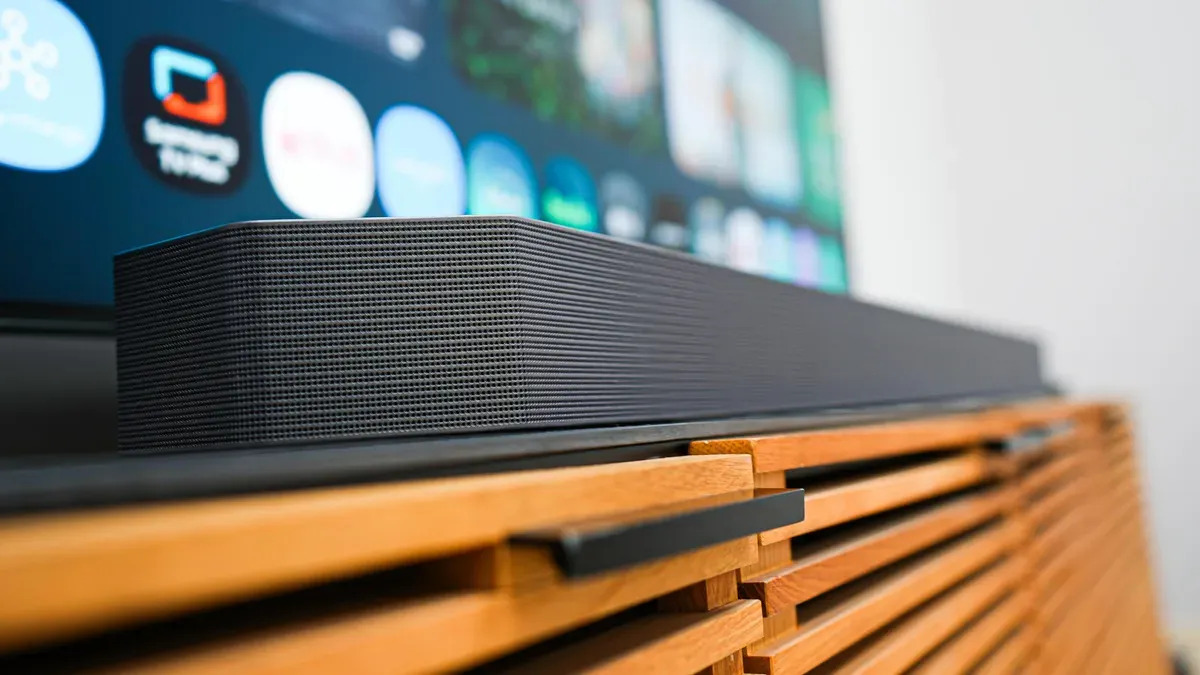
ZDNET's Kerry Wan outlines five no-cost ways to improve a soundbar's audio quality, aimed at both newcomers and self-described audiophiles looking to elevate their viewing and listening experience. Placement and room acoustics are central: position the soundbar centered and parallel below the TV, ideally at or near ear level, and avoid obstructions.
Rooms with hard surfaces may benefit from rugs, curtains or acoustic panels, and some advanced soundbars use AI room calibration, ZDNET noted (attributing that point to contributor Artie Beaty). If your soundbar has a subwoofer, the article recommends placing it on the floor in a corner or along a wall to improve bass; Wan also cites a reported “crawling test” used by a music producer to find the best bass location.
Built-in or external subwoofers can deepen low-frequency effects, and Wan mentions models such as the SVS SB-1000 Pro and the Klipsch Reference R-120SW as examples. Adjusting equalizer and audio settings can also help: some soundbars offer automatic microphone calibration, presets, or per-input settings to tailor bass, treble and other parameters.
Wan suggests experimenting with features like Virtual Surround Sound, Dialogue Enhancement, Bass Boost and a volume leveler to reduce sudden changes in loudness.
Key Topics
Tech, Soundbar, Subwoofer, Hdmi Arc, Earc