
How to AirDrop on an Android phone — the few models that can
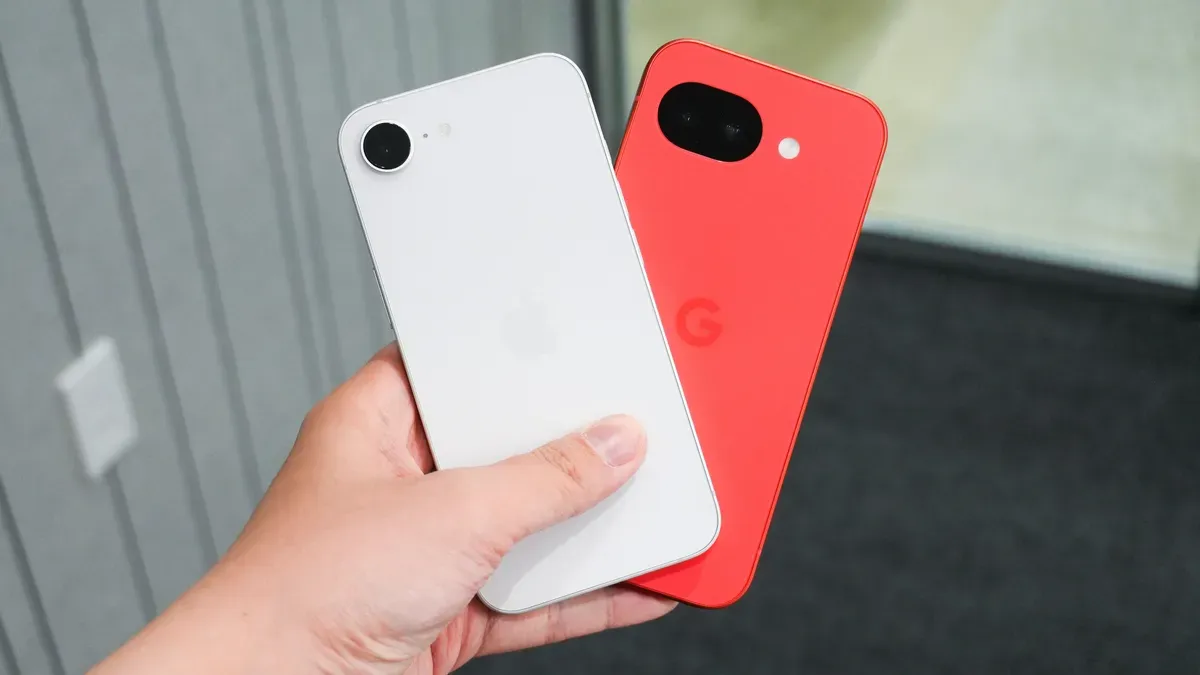
iPhone users can already share files easily with other Apple devices, but sharing with Android has been harder. Google is taking a first step toward bridging that gap, though at this initial stage only Google's latest Pixel 10 series supports the feature. The process starts by firing up Quick Share on the Android phone and selecting the file or files to send.
Quick Share then scouts for nearby devices, including iPhones and Macs; when the right iPhone appears, select it on the Android phone and AirDrop will appear on the iPhone, prompting you to accept the transfer. Accept the transfer and the file completes the trip.
Google said it has implemented strong safeguards to protect files during the transfer, and outside security experts tested those safeguards.
airdrop, android, iphone, google, pixel 10, quick share, file transfer, macs, nearby devices, security safeguards