
How to create and visit a Pokemon Pokopia Cloud Island
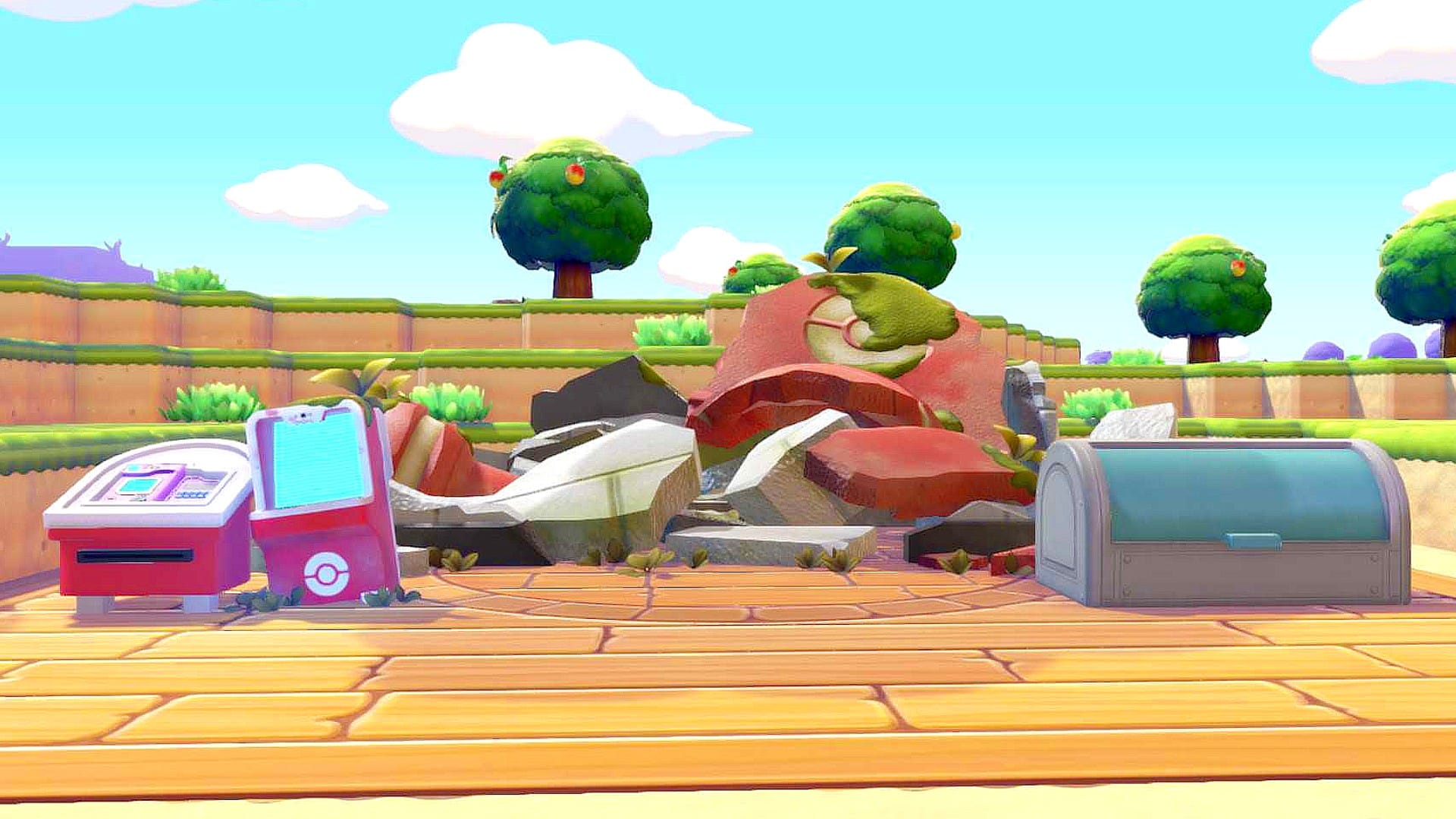
A Pokopia Cloud Island is a multiplayer sandbox separate from Palette Town where you and friends can build a new town from scratch. It lets players collaborate online or locally, or simply visit for inspiration, with settings that control whether visitors can interact with the world.
To create a Cloud Island, use a Pokemon Center PC, choose Link Play, then Play on a Cloud Island and Create a new Cloud Island. The game connects to the internet and requires a valid Nintendo Switch Online account. You can generate a random layout or use a magic number for a pre-generated design, then name the island, set Virtual Mode (turn it to No to allow building), confirm the settings, and arrive with an empty inventory.
Share your Island Address so others can join. Find your Island Code, Address, and Magic Number by returning to Link Play at a Pokemon Center PC, selecting Check Settings, then Cloud Island settings and scrolling down.
pokopia, cloud island, palette town, pokemon center, link play, nintendo switch, online account, magic number, island address, island code