
How to enter Safe Mode on your Android phone - and why it's critical to do so
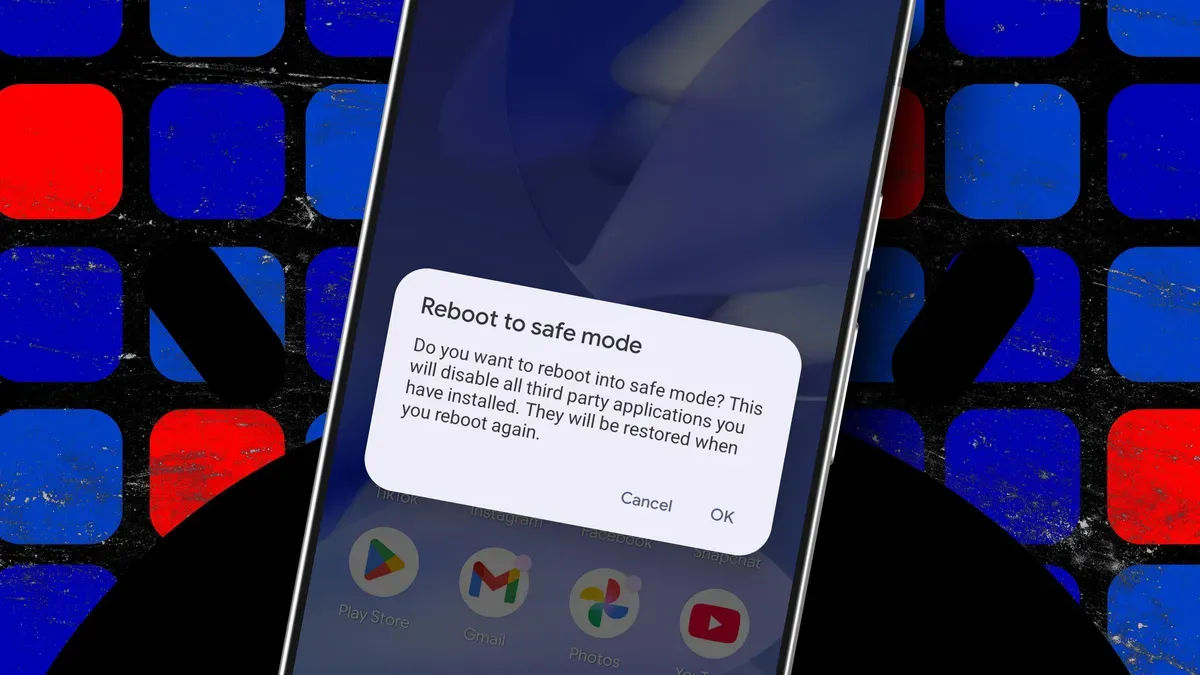
Safe mode does not fix problems on your Android phone, but it helps diagnose them. It disables all third-party apps so only Android system software and preinstalled apps run, letting you see whether freezing, crashing, or slow performance are caused by an app. If the phone behaves normally in safe mode, the issue is usually a third-party app that was recently installed or updated.
If problems persist in safe mode, the cause may be a deeper software issue or a hardware problem. In that case you may need to check for system updates, reset the device, or contact the manufacturer for extra support. You can also try clearing the phone’s cache as the next troubleshooting step.
Safe mode prevents third-party apps from running but does not delete them. Google warns that safe mode does remove some home-screen widgets, so if you use widgets it recommends taking a screenshot to help put them back. With third-party apps disabled, the phone has fewer background processes to manage, which can improve performance.
safe mode, android, third-party apps, preinstalled apps, system updates, reset device, clear cache, slow performance, crashing, home-screen widgets