
How to make copies of items in Pokémon Pokopia
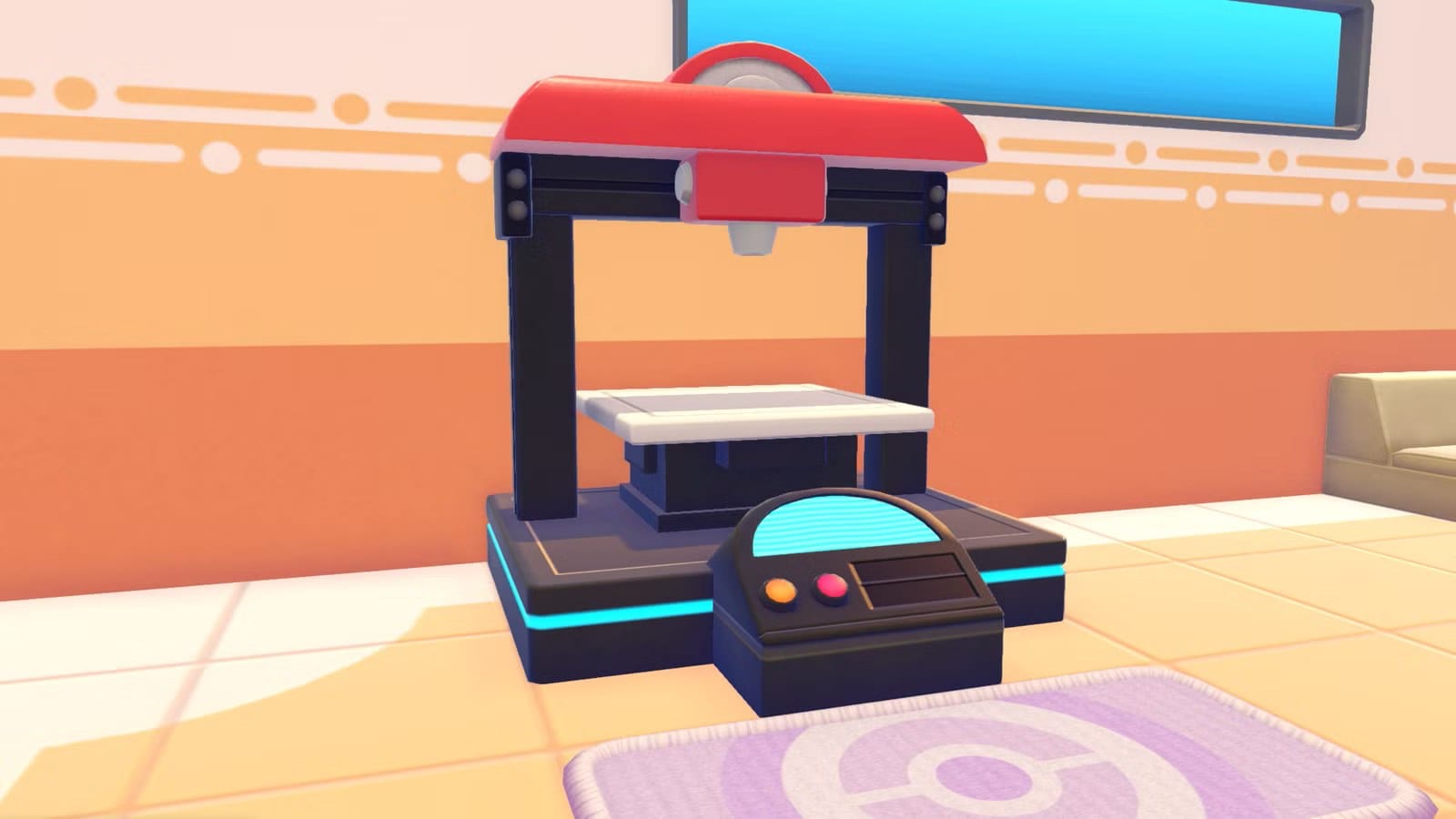
In Pokémon Pokopia you can copy items you don’t have the recipe for or can’t buy. After you build a Pokémon Center, a 3D-printer-looking machine will make things for you if you provide a photo and some Pokémetal. This also works for collectibles like fossils and relics, so you can photograph items on friends’ islands and reproduce them at home.
Rarer items require more Pokémetal or rare Pokémetal: the most expensive items found cost five rare Pokémetal, while some cheaper items cost two Pokémetal. You’ll get plenty of Pokémetal later in the game, so the printer is mostly an end-game option, though it can be useful early on in a pinch.
To use the copier, open your camera with the Minus button and press Y to switch to item mode; highlighted items show a small tooltip with their name. Take a photo of the desired item, go to the Pokémon Center and interact with the 3D printer on the left, select the photo, and pay the required Pokémetal or rare Pokémetal.
pokémon pokopia, pokémetal, rare pokémetal, 3d printer, pokémon center, item copier, copy items, item mode, fossils, relics