
How to schedule a text on Android - it's quick and easy
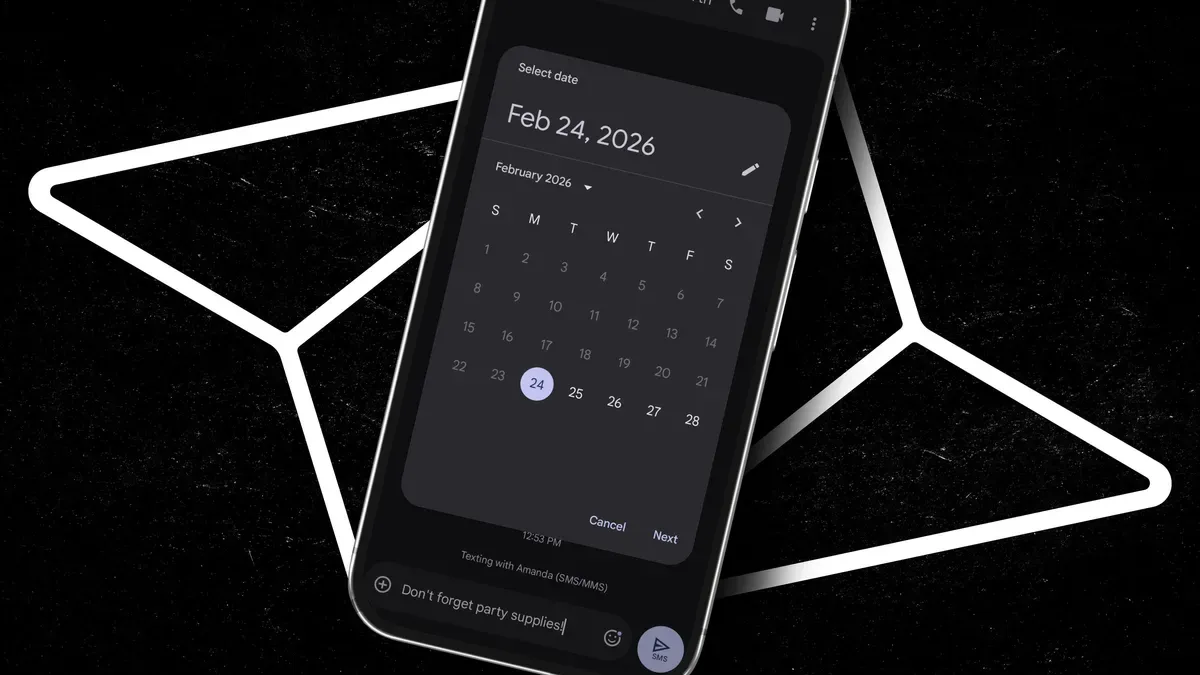
Have you ever composed a text and thought, "I should send this later"? Maybe you want to reply late at night or during someone's workday but worry about disturbing them. Fortunately, scheduling texts on Android is simple.
All you need is an Android device with a data plan and Google Messages, which comes preinstalled on all Android phones. There are no extra apps to install.
Start a new chat or open an existing one and type your message. For a custom send time, tap Pick date and time, choose the date, then the time, and tap Save to schedule the message.
You can schedule messages to friends or family or send yourself reminders without relying on an awkward, sometimes jarring alarm, ensuring you don't forget to send something.
android, google messages, schedule text, schedule message, send later, pick date, pick time, message reminders, data plan, compose text