
How to use Android Repair Mode to protect your data
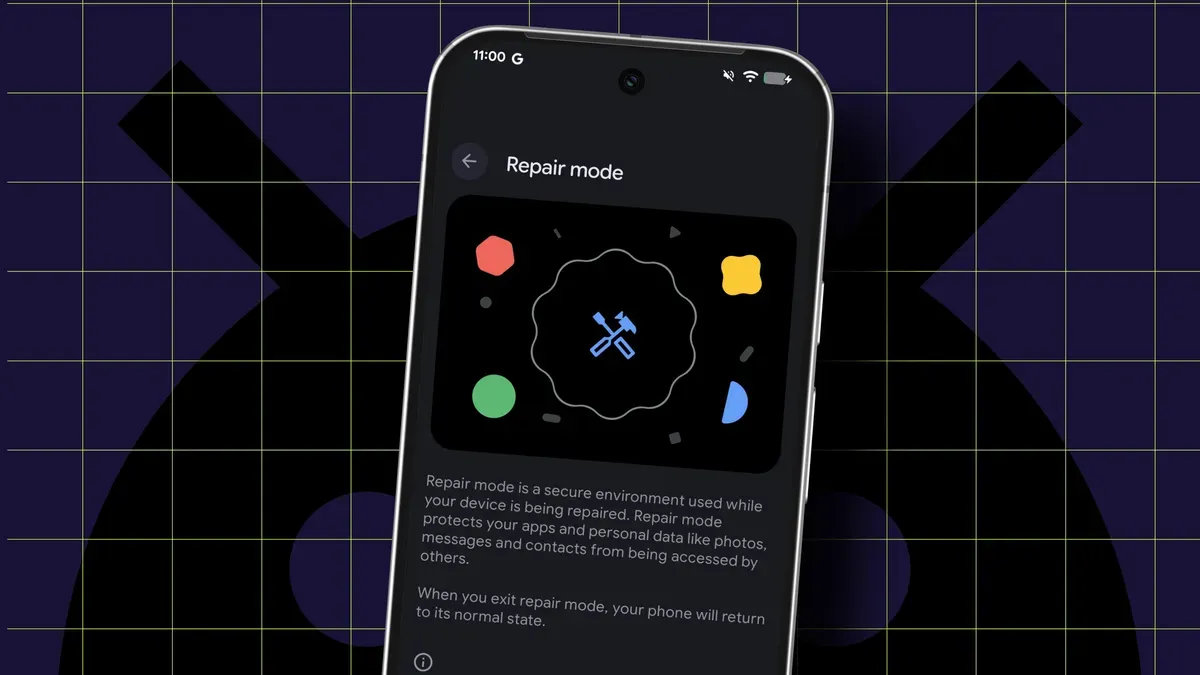
After installing the March security fix, the author found Android no longer recognized their SIM. Wi‑Fi continued to work, but the device would not connect to the carrier; reboots and toggles had no effect until Repair Mode was used. Booting into that special mode revealed the SIM, and rebooting back to normal restored carrier access.
Repair Mode (called Maintenance Mode on Samsung phones) creates a sandboxed, temporary profile on a separate, newly created partition so a technician can use the phone without accessing personal apps or data. It lets the device be used as normal for repairs without requiring a factory reset, protecting your installed files and information.
To use Repair Mode your phone must be running Android 14 or later on a Pixel or Samsung device and have at least 2GB of available storage. It’s recommended to remove the SIM before handing the phone to a repair shop, since Repair Mode does not restrict access to the carrier network.
repair mode, maintenance mode, android 14, pixel, samsung, sim, carrier network, sandboxed profile, factory reset, 2gb storage