
How to use GameShare in Pokémon Pokopia
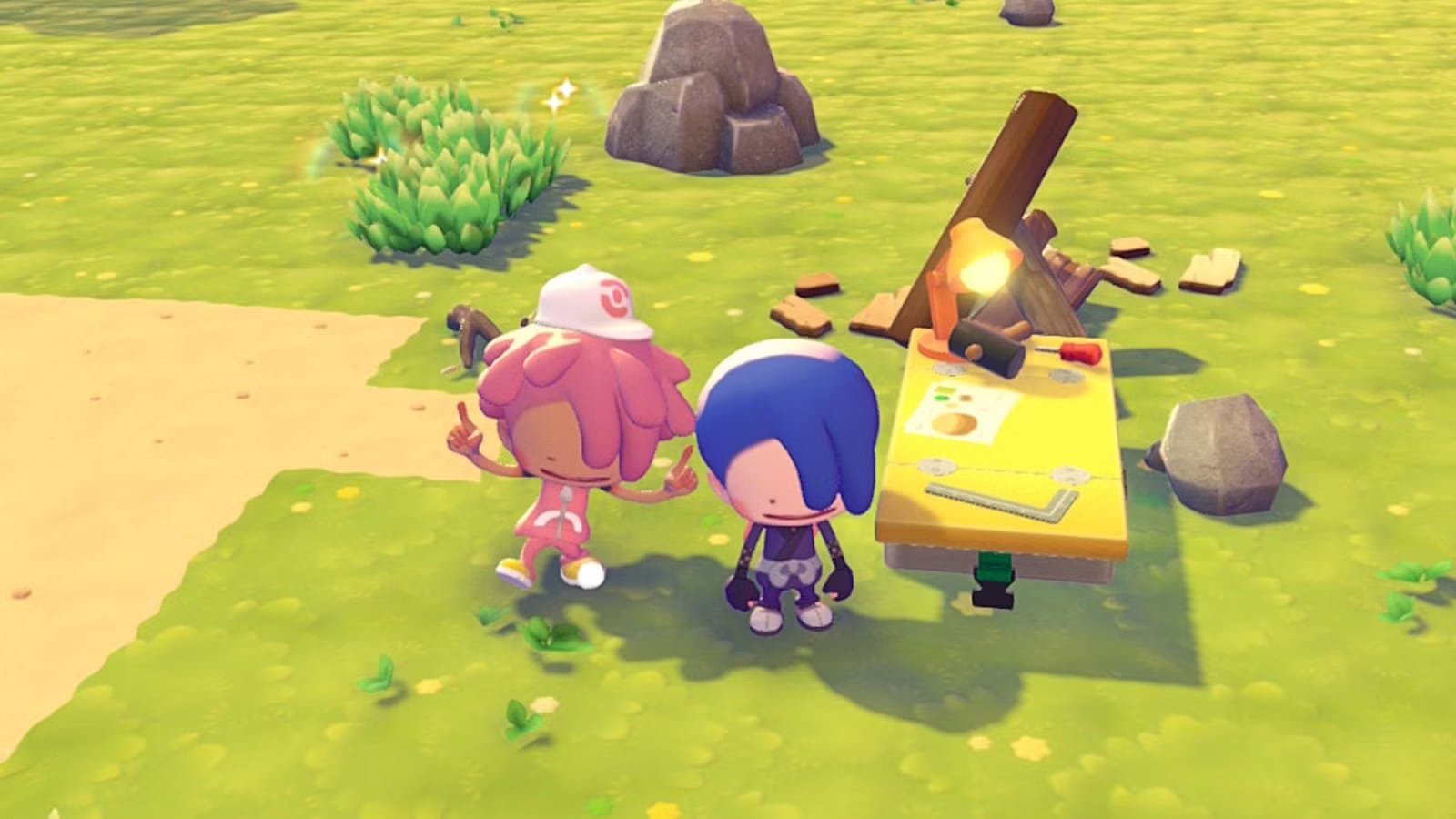
GameShare in Pokémon Pokopia lets one other player join locally by streaming from a Nintendo Switch 2 to another Switch, including an original Nintendo Switch. The feature only works in Palette Town, which you reach shortly after starting the game: after learning Rock Smash from Hitmonchan, head west of the Pokémon Center, clear the path, and bridge the gap to the Cycling Road.
You may see a warning advising more progress first, but you can continue into Palette Town regardless. After a loading screen and a short tutorial that includes meeting Eevee, start GameShare by interacting with the PC once you regain control of Ditto. Open Link Play, choose Invite others to visit, then select GameShare.
For local play pick with nearby players; for online play choose Via GameChat and follow the on-screen instructions to create a GameChat session and invite others.
pokémon pokopia, gameshare, nintendo switch, switch 2, gamechat, link play, palette town, cycling road, rock smash, ditto