
How to write Linux bash scripts on your Android
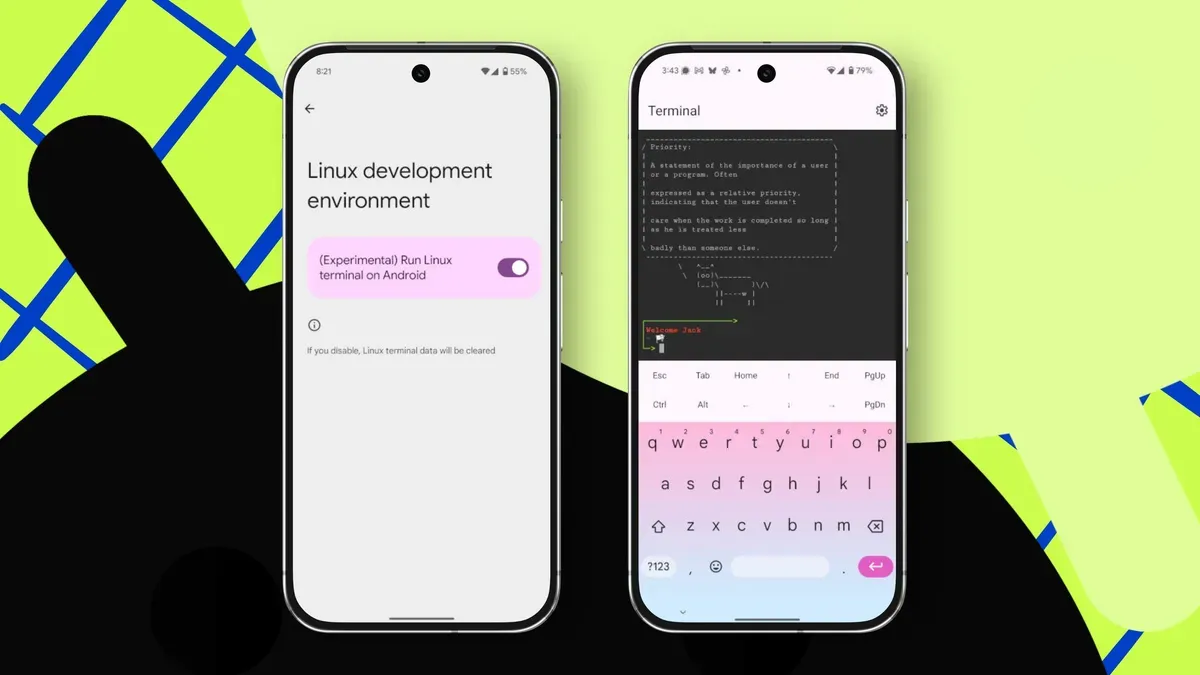
Enabling Linux support on Android lets you create and run bash scripts, which is useful for learning the ins and outs of scripting and automating repetitive tasks such as backups, clearing temporary files, renaming files or installing updates. If your Android device has the Linux environment enabled, you can create and practice scripts on the go.
To get started, open the Terminal launcher, then update and upgrade the Linux environment with the commands: sudo apt update and sudo apt upgrade. Install the nano editor with: sudo apt install nano. Create a simple script with nano, for example hello.sh. Begin the file with the shebang line shown in the terminal: #!bin / bash (remove the spaces on either side of the /).
Add a line such as echo "Hello", save, make it executable with chmod u+x hello.sh and run it with ./hello.sh to see the output.
android, linux, bash, bash scripts, terminal, sudo apt, nano, shebang, chmod, executable