
Mac Studio M3 Ultra became unresponsive after macOS Tahoe update; DFU revive used to recover
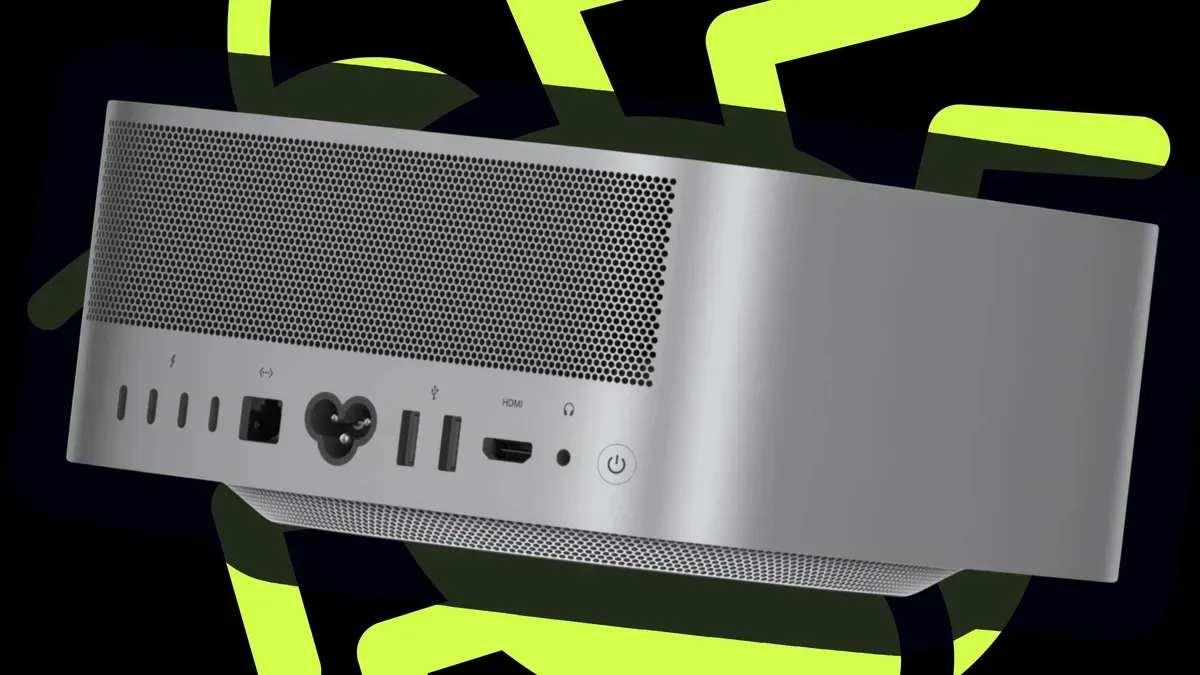
ZDNET writer Elyse Betters Picaro said her new Mac Studio M3 Ultra became unresponsive after she installed the macOS Tahoe (macOS 26) update. The machine, which she said has 96GB of RAM and an M3 Ultra chip, rebooted to a black screen and would not enter recovery mode. She cited a bug discovered in September 2025 in which the installer loads the macOS Tahoe driver for the Apple Neural Engine and then a hardware check fails; most users reportedly saw the installation fail and roll back to Sequoia, but in her case the installation failed and the OS would not load.
Picaro said the recovery required a DFU Firmware Revive/Restore, which needs a second Mac and a USB-C cable that supports fast charge and data (not a Thunderbolt cable). On a Mac Studio the DFU port is the rightmost USB-C port when facing the back. She described the Revive option as updating firmware and recoveryOS without erasing user data, and Restore as erasing everything and reinstalling the OS.
She tried Revive (which took more than an hour) and then Restore; both reportedly failed. After planning to take the Mac to an Apple Store, she unplugged and replugged the machine and the login window appeared.
Key Topics
Tech, Mac Studio, Macos Tahoe, Dfu Revive, Apple Neural Engine, Apple