
MacOS Tahoe (MacOS 26) upgrade bricked a new Mac Studio; DFU revive/restore and unplugging recovered it
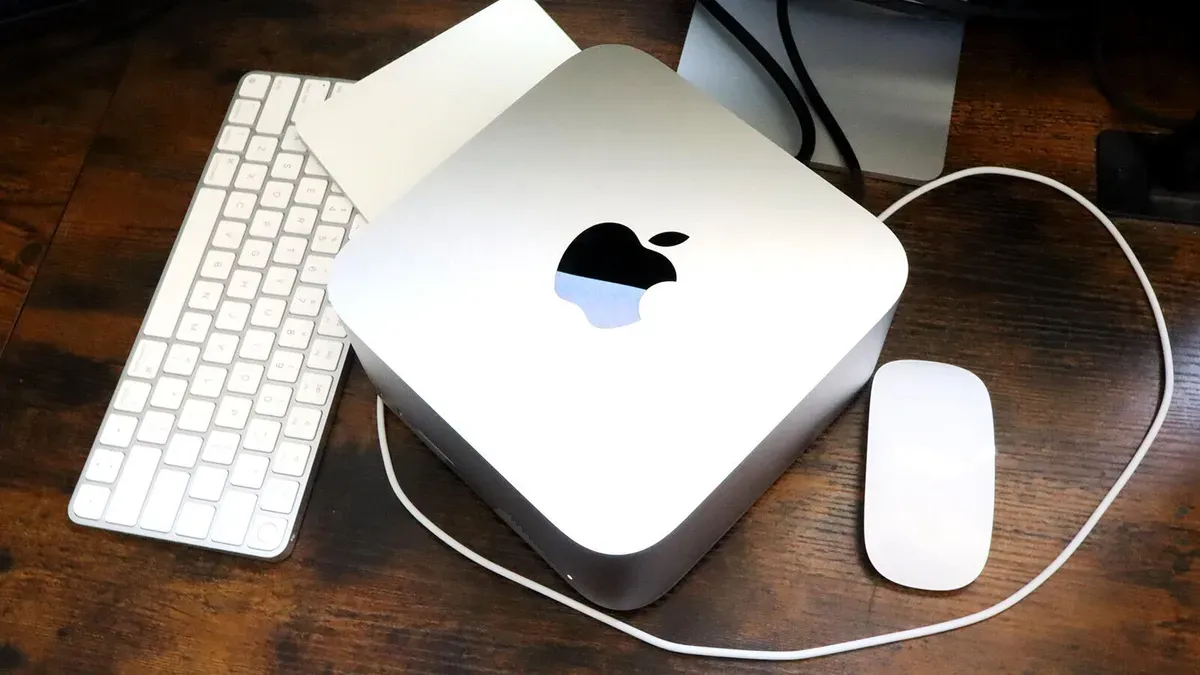
ZDNET writer Elyse Betters Picaro says an attempted MacOS Tahoe (MacOS 26) upgrade earlier this month left her brand-new $3,700 Mac Studio M3 Ultra unbootable, showing a black screen and refusing to enter recovery mode. She cites a September 2025 bug in which the installer loads the Apple Neural Engine driver and then a hardware check fails; most users reportedly saw the installer abort and roll back to Sequoia, but in her case the installation failed in a way that left the OS unable to load.
The documented recovery for a bricked Mac is a DFU Firmware Revive/Restore, which requires a second Mac, a USB-C cable that supports both fast charge and data (not a Thunderbolt cable), and use of the DFU port (for Mac Studio, the rightmost USB-C port when facing the back). ZDNET summarizes the steps: plug the cable into the affected Mac first while powered off, have the other Mac powered on and logged in, unplug power from the affected Mac, hold the power button while plugging it back in until a DFU Finder window appears on the other Mac, then choose Revive or Restore.
Betters Picaro says she ran Revive first, which took over an hour and failed, then ran Restore and that also failed. She planned to take the Mac Studio to an Apple Store, but after unplugging the machine, waiting briefly and plugging it back in on a whim, the login window appeared and the Mac booted.
macos tahoe upgrade, macos 26 tahoe bug, mac studio m3 ultra, mac studio bricked, dfu revive/restore, dfu port mac studio, usb-c dfu cable, apple neural engine driver, sequoia rollback, mac studio price $3,700, unplugging recovered mac, apple store genius bar