
My TV sounded better after trying these three fixes
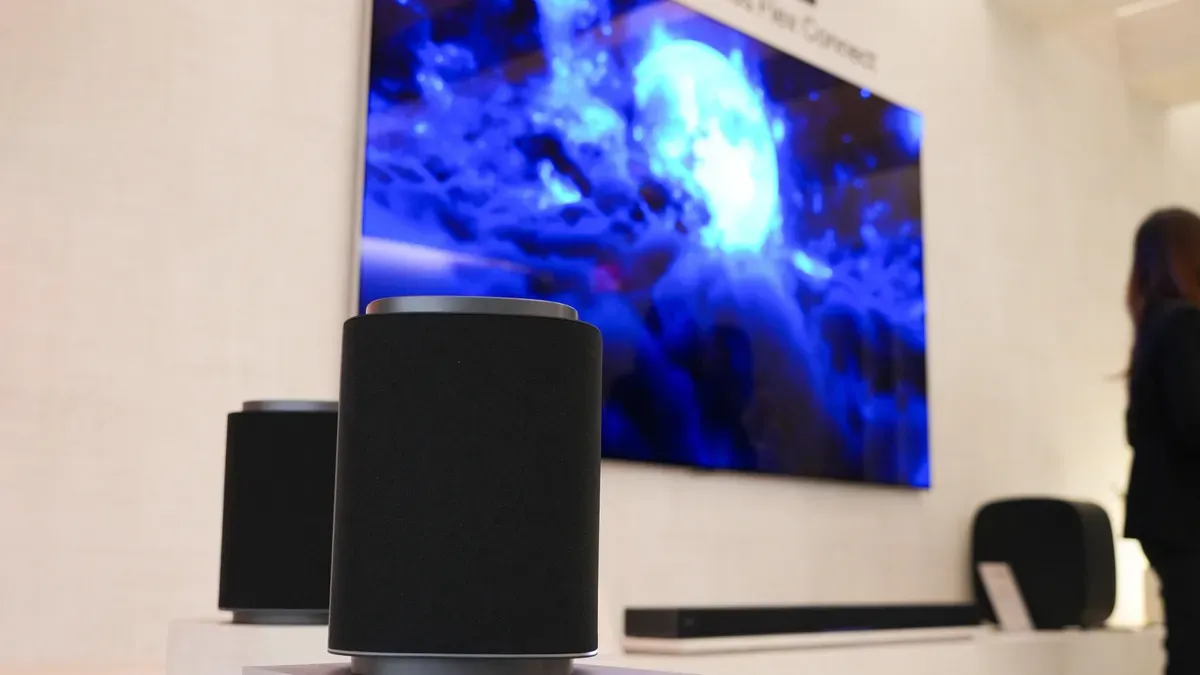
Sometimes dialogue seems too quiet while explosions and effects are way too loud. That imbalance doesn’t necessarily mean your hearing is failing — it may be the TV setup. Turning on closed captions can help, but if on-screen text feels distracting, there are other adjustments worth trying.
Start in the TV’s Audio or Sound menu and cycle through preset sound modes like Movie, User, or Standard while watching a dialogue-heavy scene. Excessive bass can bury speech, so try Dialog, News, or Speech Boost modes if available, and consider disabling enhancements such as Bass Boost or Surround.
Slightly increasing treble can also improve intelligibility, and because every room and TV behaves differently, it pays to experiment. Enable volume leveling (dynamic range compression) to reduce the gap between the loudest and quietest sounds. This keeps overall volume more consistent, prevents sudden spikes during action scenes or commercials, and is especially useful when watching at low volumes, such as at night.
tv audio, dialogue, closed captions, sound modes, dialog mode, speech boost, bass boost, treble, volume leveling, dynamic range