
Own a Sony TV? Changing these 3 settings will greatly improve its picture quality
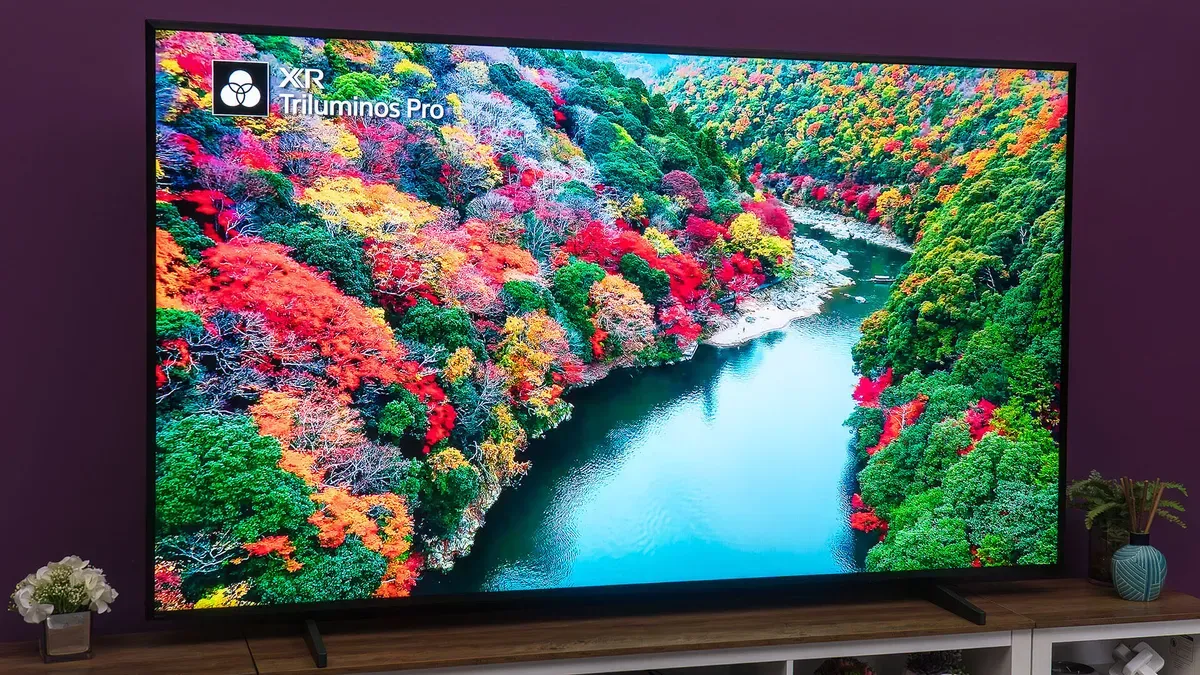
Sony Bravia televisions offer some of the most robust picture settings on the market, with many built-in sensors and automatic options alongside detailed controls for color temperature, white balance and HDR tone mapping. If you recently bought a Sony TV or have an older model and want a quick way to get better images, focus on three main settings.
Auto Picture Mode is a good set-and-forget option: the TV detects what’s on screen and chooses the appropriate picture mode (Cinema, Game, etc.). Keep in mind that Auto Picture Mode may not work if HDMI-CEC is disabled or an HDMI-CEC blocker is used, because the data signal won’t be sent to the TV.
If you prefer more control, set up a custom mode to adjust color, white balance, sharpness, noise reduction and other fine details. Many newer Bravias include ambient light sensors that automatically adjust screen brightness, but you can turn that off and set brightness and white balance manually.
sony bravia, picture mode, auto picture, hdmi-cec, hdmi blocker, custom mode, color temperature, white balance, hdr, ambient light