
Pixel phones can become productive desktops with Android Desktop Mode
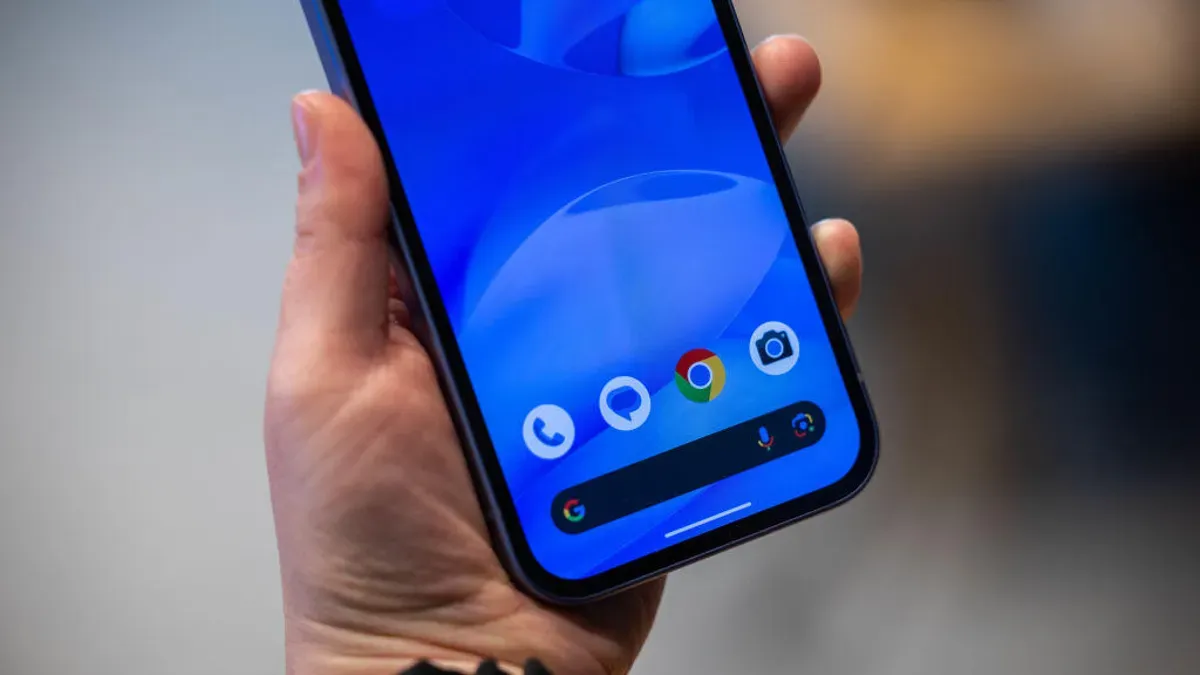
Pixel 8 and newer phones now offer Android Desktop Mode, which turns a phone into a desktop-like computer when connected to an external monitor and paired with a mouse and keyboard. The setup is simple: a monitor that accepts USB-C, a high-speed USB-C cable, and a Bluetooth mouse and keyboard are all you need to get started.
The idea of mobile-to-desktop convergence has been tried before—Canonical’s effort never took off, while Samsung’s DeX delivered a polished experience. With the latest Pixel drop, Google has added its own desktop mode that presents Android with a bottom panel, a start menu that opens the app drawer, a notification shade, and resizable app windows you can tile for multitasking.
After connecting a Pixel, a prompt lets you choose Desktop or Mirror mode; pick Desktop and the external display becomes the workspace. Performance is smooth, and open phone apps appear as separate windows.
pixel 8, android desktop, desktop mode, usb-c, external monitor, bluetooth mouse, bluetooth keyboard, resizable windows, samsung dex, multitasking