
ZDNET reviewer replaces Chrome with Puma Browser and finds local AI fast and useful
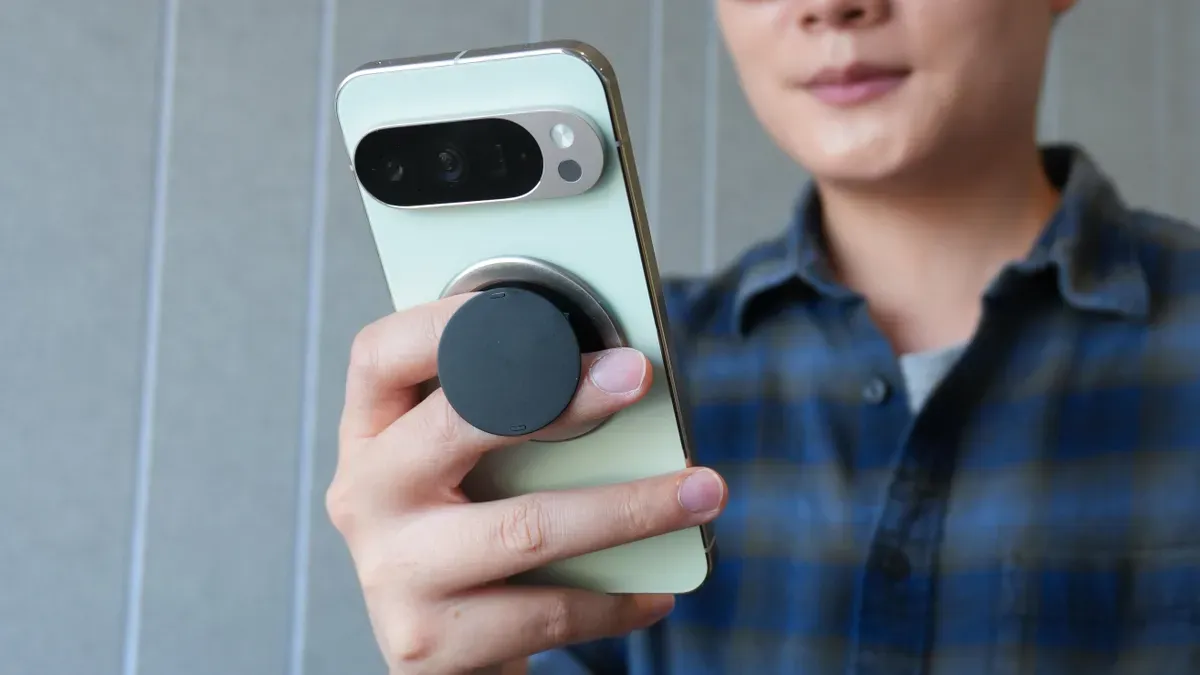
A ZDNET reviewer installed Puma Browser on a Pixel 9 Pro as a replacement for Google Chrome and found its local AI features surprisingly fast and practical.
Puma Browser is a free mobile browser for Android and iOS that can run local large language models (LLMs). Available models include Qwen 3 1.5b, Qwen 3 4B, LFM2 1.2, LFM2 700M, Google Gemma 3n E2B and others.
The reviewer downloaded Qwen 3 1.5b to the Pixel. Even over Wi‑Fi the download took more than 10 minutes, and Puma’s local AI features are still labeled experimental, so users should expect occasional issues and long downloads if not on wireless.
Once installed, the local LLM responded to queries quickly — the reviewer said performance on the Pixel matched local setups on a desktop and laptop. Puma also answered queries when the phone’s internet and Wi‑Fi were disabled, confirming true offline operation.
Using local AI avoids cloud-based processing, which the reviewer cited as preferable for energy use and privacy concerns, and prevents queries from being used to train third‑party models. The tradeoff is storage: some LLMs can be large (Qwen 3 1.5b is nearly 6GB, and some desktop models can approach 20GB), so devices with limited space may not be suitable.
Puma Browser can also function as a regular web browser. The reviewer concluded it’s a fast, easy option for mobile local AI, provided you have the storage and willingness to use experimental features.
Key Topics
AI, Tech, Mobile, Browser, Local Llm, Privacy