
How a quick EQ tweak fixes flat audio on headphones and speakers
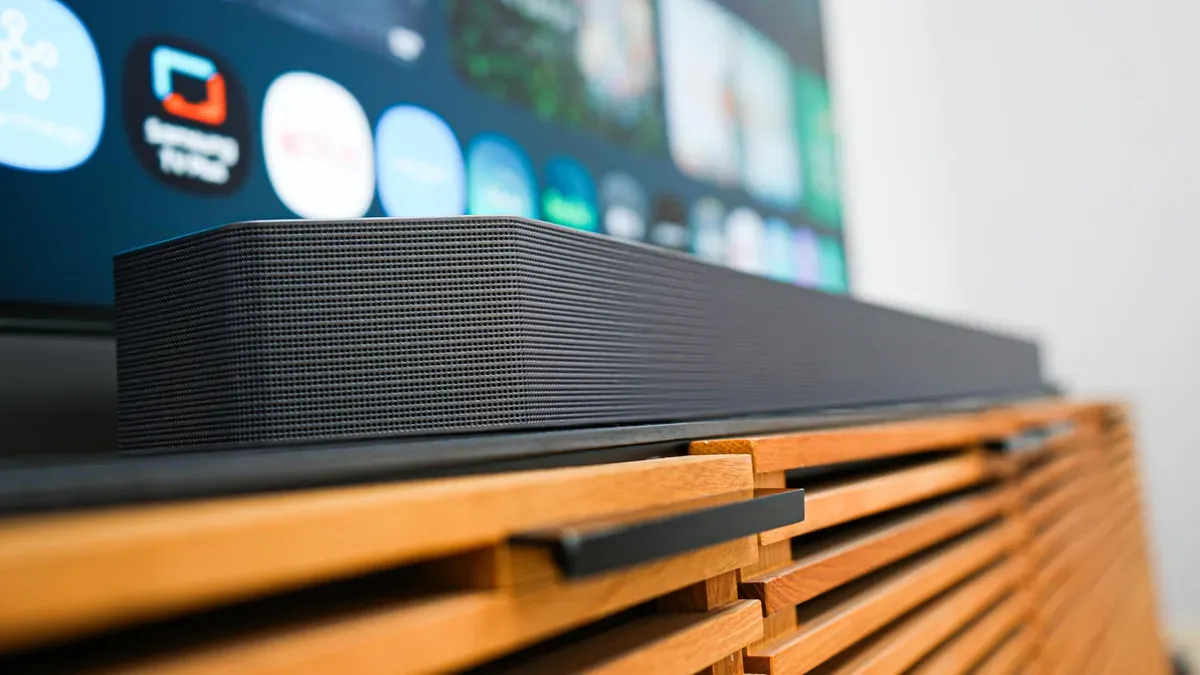
ZDNET explains that using an equalizer to boost or cut specific frequencies is a quick way to fix flat-sounding headphones and speakers. Sound is measured in hertz and humans hear roughly 20–20,000 Hz. The article breaks frequencies into octaves: 16–32 Hz (the lowest notes), 32–512 Hz (rhythm and bass), 512–2,048 Hz (human voice), 2,048–8,192 Hz (labial and fricative sounds), 8,192–16,384 Hz (brilliance, bells, cymbals, sibilance) and 16,384–32,786 Hz (upper range beyond most hearing).
An equalizer raises or lowers specific frequency bands to change overall sound. ZDNET notes three-band EQs control lows, mids and highs but lack precision; a five-band EQ might use 60, 230, 910, 3,600 and 14,000 Hz for finer tuning; and a typical ten-band EQ can include 31.25 Hz, 62.5 Hz, 125 Hz, 250 Hz, 500 Hz, 1 kHz, 2 kHz, 4 kHz, 8 kHz and 16 kHz.
The article offers practical adjustments: for inexpensive earbuds try increasing lows, decreasing mids and increasing highs to form a sloping curve down to the mids and a rising curve to the highs. Many apps provide presets by genre—boost lows and highs for metal but avoid excess mid/lows, boost mids for podcasts, and keep classical fairly flat or add bass and highs when listening through speakers.
ZDNET emphasizes EQ is personal: hearing differences, equipment, room acoustics and subwoofer crossover all affect settings.
zdnet, how to use eq, eq settings earbuds, three-band eq limitations, five-band eq frequencies, ten-band eq frequencies, boost lows decrease mids, eq presets by genre, eq for podcasts, frequency ranges hertz, room acoustics eq, subwoofer crossover