
I resurrected a ten year-old Dell XPS 13 with Linux
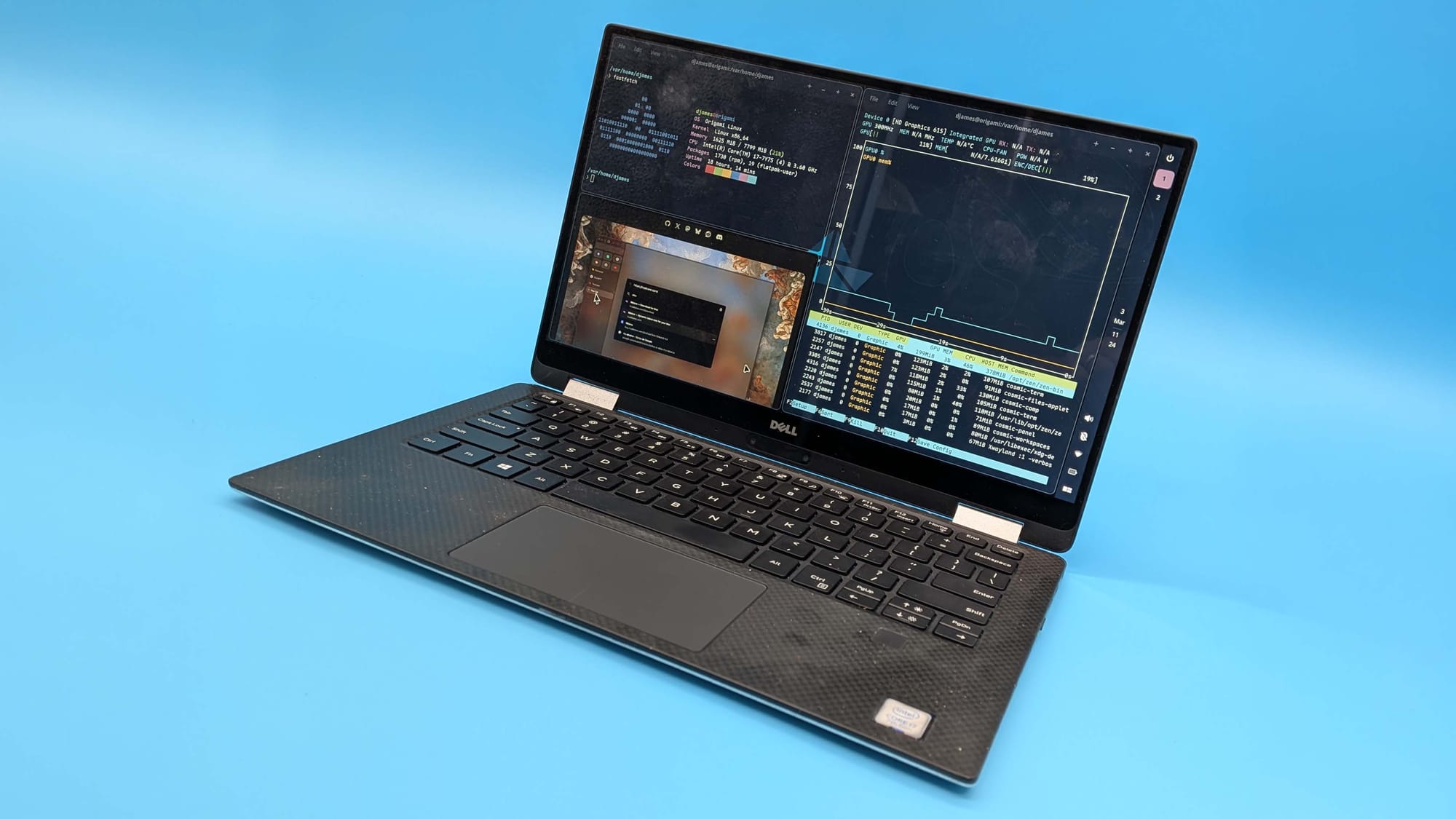
I pulled an old Dell XPS 13 2‑in‑1 out of a wardrobe and, after a sticky, slightly moldy cleanup with isopropyl, tried to boot it up. The machine—an Intel 7th Gen Core i7‑7Y75 with 8GB of LPDDR3—initially showed a rotating series of solid colour debug pages until repeatedly freeing a stuck D key allowed the familiar Windows 10 desktop to appear.
Rather than stick with Windows, I installed Origami Linux using the Cosmic desktop. The install was quick and smooth apart from a USB‑C hub orientation hiccup that kept the installer USB stick hidden until I swapped the plug. Once running, the workspace switching and the ability to move the panel out of the way made the 13‑inch display feel notably more efficient.
Performance and battery life improved. On my tests, power draw fell from roughly 20–22 W in Windows to about 12.49 W on Origami while streaming, pushing runtime from just over two hours to nearly three. Sleep and resume also became reliable, a welcome change from the inconsistent experience on Microsoft’s OS.
xps 13, origami linux, cosmic desktop, windows 10, intel i7-7y75, lpddr3, usb-c hub, battery life, power draw, sleep resume