
Six Samsung TV settings to change to improve picture quality
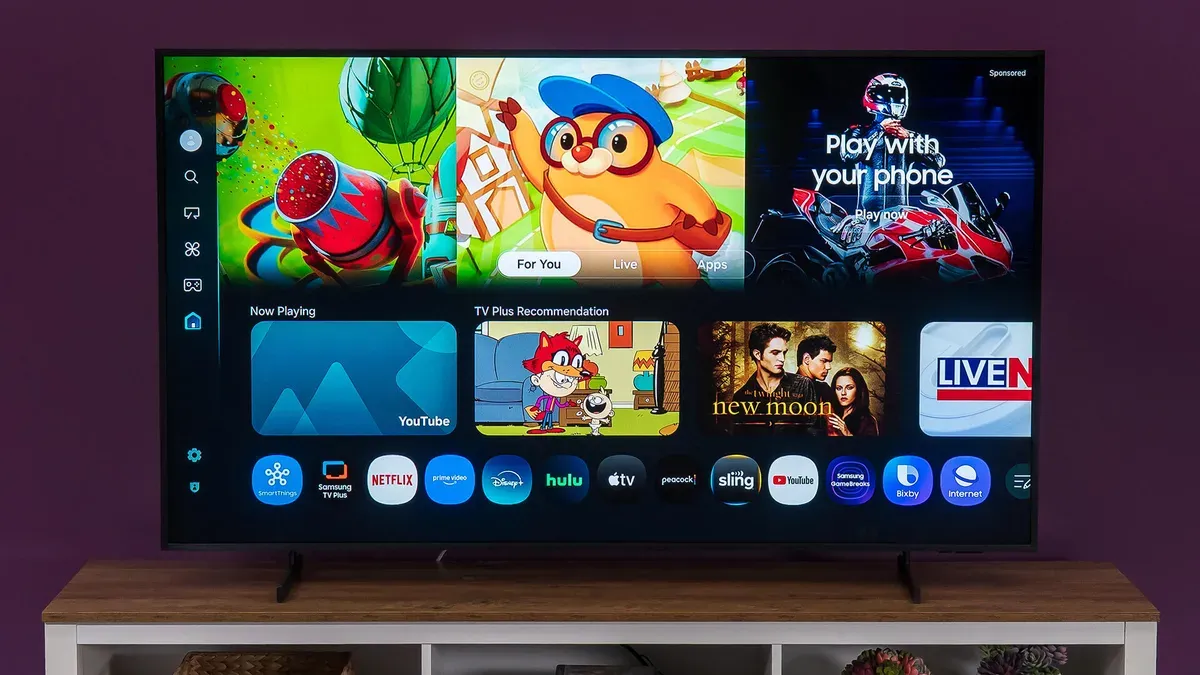
ZDNET contributor Adam Breeden says changing six settings on Samsung TVs can significantly improve the viewing experience. Breeden’s recommendations are: disable Eco Mode (All Settings > General and Privacy > Power and Energy Saving > Energy Saving Solution) and Brightness Optimization; select a film-focused Picture Mode such as Movie, Cinema, or Filmmaker (All Settings > Picture Mode); adjust Brightness separately for SDR and HDR content (All Settings > Picture > Expert Settings > Brightness, with HDR content found via YouTube or by searching for "HDR video"); experiment with Local Dimming (All Settings > Picture > Expert Settings > Local Dimming) using Low, Standard, or High; and turn off Motion Smoothing (called Picture Clarity or Auto Motion Plus) or set custom Blur Reduction and Judder Reduction (All Settings > Picture > Expert Settings > Picture Clarity Settings).
Key Topics
Tech, Samsung Tvs, Eco Mode, Filmmaker Mode, Brightness Optimization, Local Dimming