
Switching to Tor Browser on Android was more useful than I expected
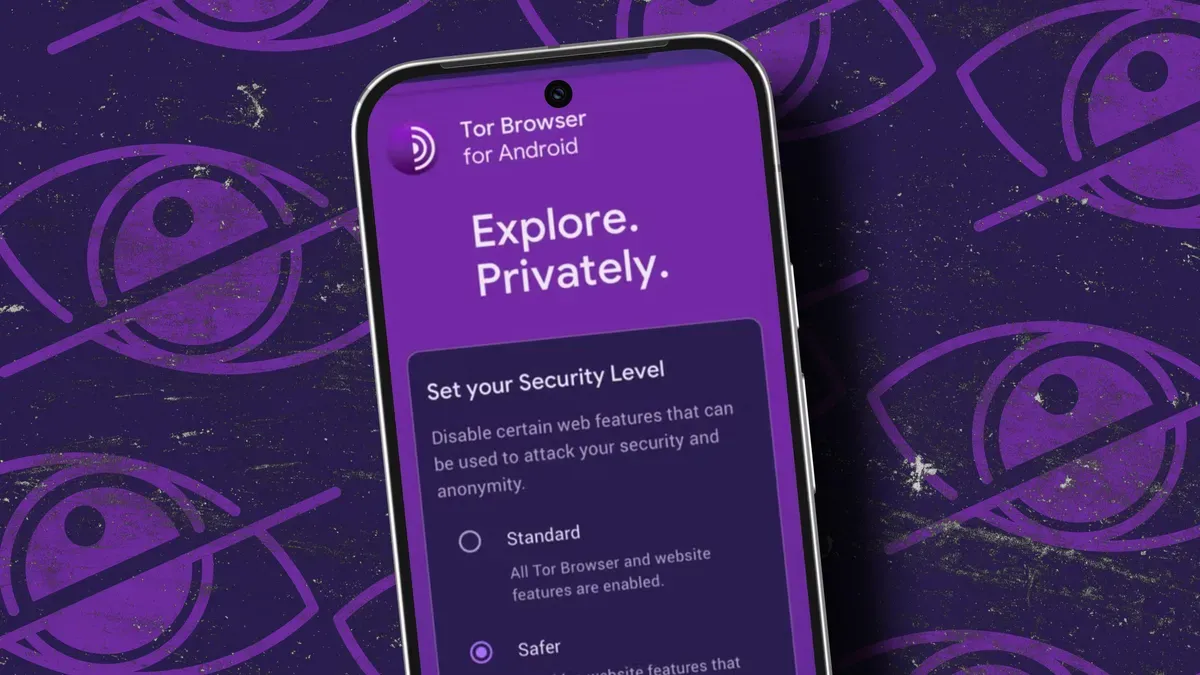
I'm focused on security and privacy. On my desktop I use Linux, but that doesn't help when I'm mobile, and although Android does a pretty good job of keeping data secure, I wanted more. Recently I made Tor Browser my default on Android; it has faults, but I trust it to keep me private and anonymous in ways Chrome does not.
Tor Browser is available for Linux, macOS, Windows, Android and iOS. It connects to the Tor Network (the Onion Router), routing traffic through volunteer relays while encrypting data and hiding your location, IP address and browsing habits. It offers unmatched privacy and security; a VPN may be faster, but it isn't as private, and you can even combine a VPN with Tor for extra protection.
Installing Tor Browser on Android is simple: find it in the Google Play Store and tap Install, then open it from the app drawer. On launch you choose whether to connect to the Tor Network manually each time or enable "Always connect automatically." I prefer manual control.
tor browser, android, tor network, onion router, privacy, anonymity, vpn, google play, manual connect, always connect