
Three ways to retire an old Windows PC safely
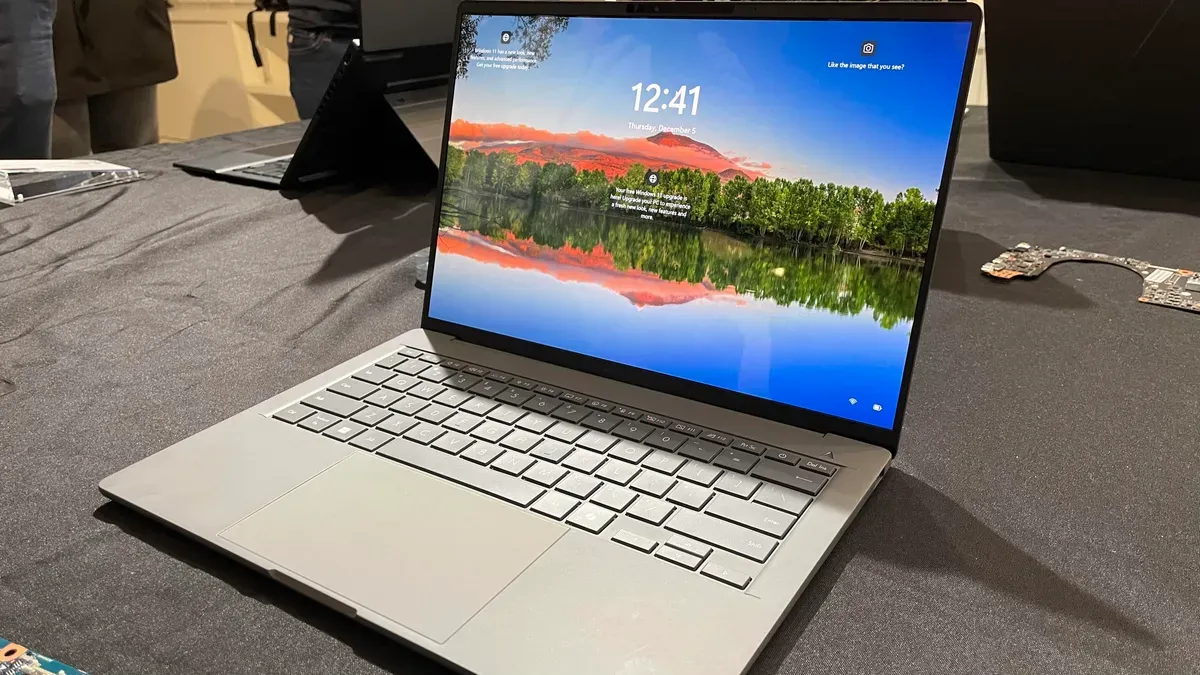
If you’re replacing a Windows PC, decide first what will happen to the old device: hand it down, reassign it, donate it, sell it or trade it in. Before you do any of those things, focus on three priorities: migrate your apps and files, expunge personal data, and reset the operating system so the new owner can start productively.
Begin by migrating apps and files. Run the Windows Backup app on the old PC to save settings, Store apps and personal folders to OneDrive, then sign in with the same Microsoft account on the new machine to restore. Also inventory legacy desktop apps via Control Panel > Programs > Programs & Features, keep activation codes handy and remove licenses as needed.
Back up important files to cloud storage or create a full image backup to a removable drive so you can recover anything later. Erasing Windows alone doesn’t remove all traces of data. On Windows 11 Pro, enable BitLocker disk encryption so any leftover bits are unreadable without the recovery key.
windows pc, migrate apps, migrate files, windows backup, onedrive, microsoft account, legacy apps, activation codes, image backup, bitlocker