
Turn an old iPhone or Android into a security camera in 4 steps
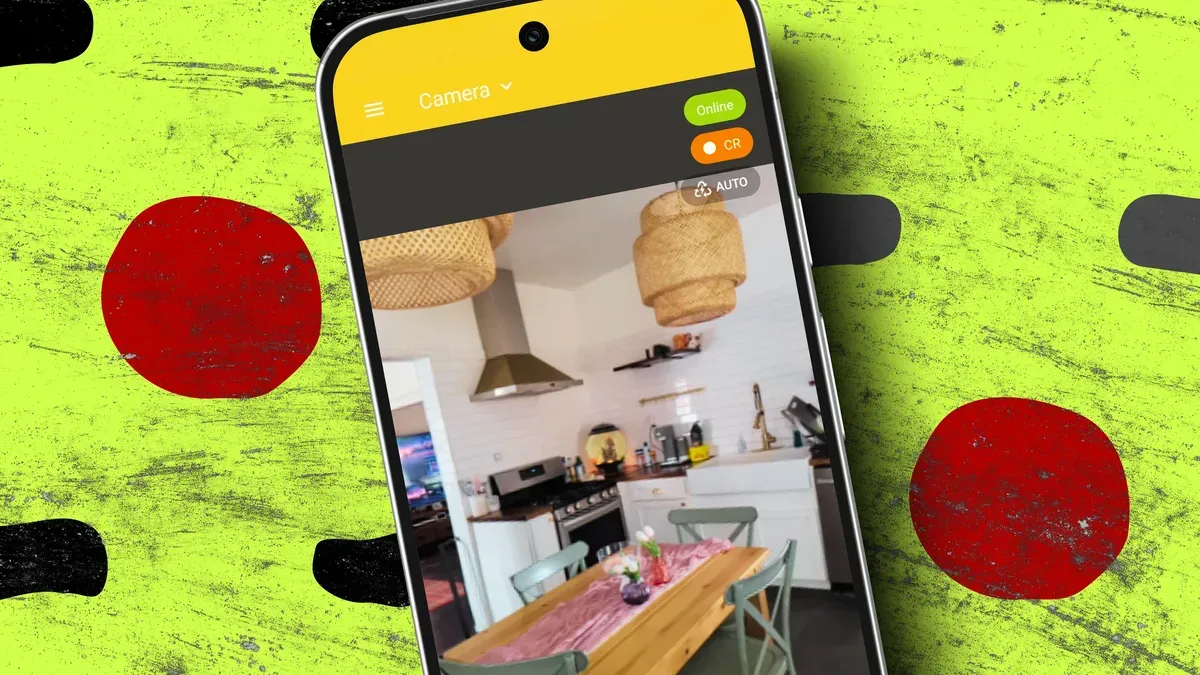
Old phones can make low-cost home security cameras: they have a decent camera, Wi‑Fi, storage and a battery, though they may stop receiving security updates over time. For a free or cheap solution, repurposing an unused iPhone or Android can provide live view, motion alerts and two-way audio without buying another camera or subscribing to a new service.
Install a security camera app that offers the features you need; Alfred Camera works on both Android and iOS and has a free tier with alerts and audio. Create a free account on your main device, scan the QR code with the old phone to sign in, then set the main phone to Viewer mode and the old phone to Camera.
From Viewer mode you can edit the camera name, enable event alerts, activity and sound detection, set a schedule and more. Place the phone where it provides the view you want, near the router for a strong signal and close to an outlet so it can stay plugged in—otherwise the battery will drain quickly.
old iphone, android, security camera, alfred camera, motion alerts, two-way audio, wi-fi, battery, qr code, viewer mode