
Turn on Android Repair Mode before handing your phone in for repair
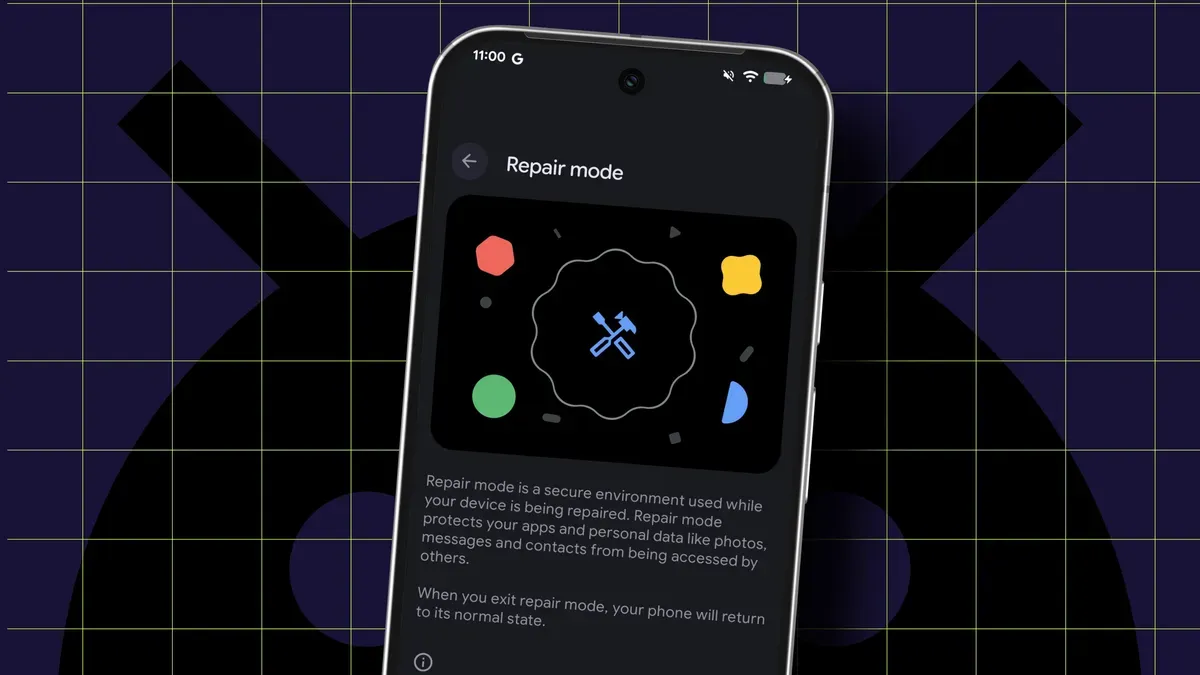
Android includes a Repair Mode (called Maintenance Mode on Samsung) that creates a sandboxed, temporary profile on a separate partition. It locks down your personal files while still allowing a technician to use the phone’s functionality. To use Repair Mode you need a Pixel or Samsung device running at least Android 14 and at least 2GB of free storage.
Back up your data first, and remove your SIM before handing the phone over — Repair Mode protects stored data but a SIM still grants access to the carrier network. The mode is intended for repairs, whether drop-off or mail-in, and can also be used if someone needs to borrow your device for an extended period.
A technician cannot switch the phone back to normal mode without your PIN or password. On Pixel phones go to Settings > System > Repair Mode and tap Enter repair mode. On Samsung devices enable Maintenance Mode via Settings > Battery and device care > Maintenance Mode.
repair mode, maintenance mode, android 14, pixel, samsung, sandboxed profile, backup, sim card, pin, password