
Ultimate Windows keyboard shortcut guide
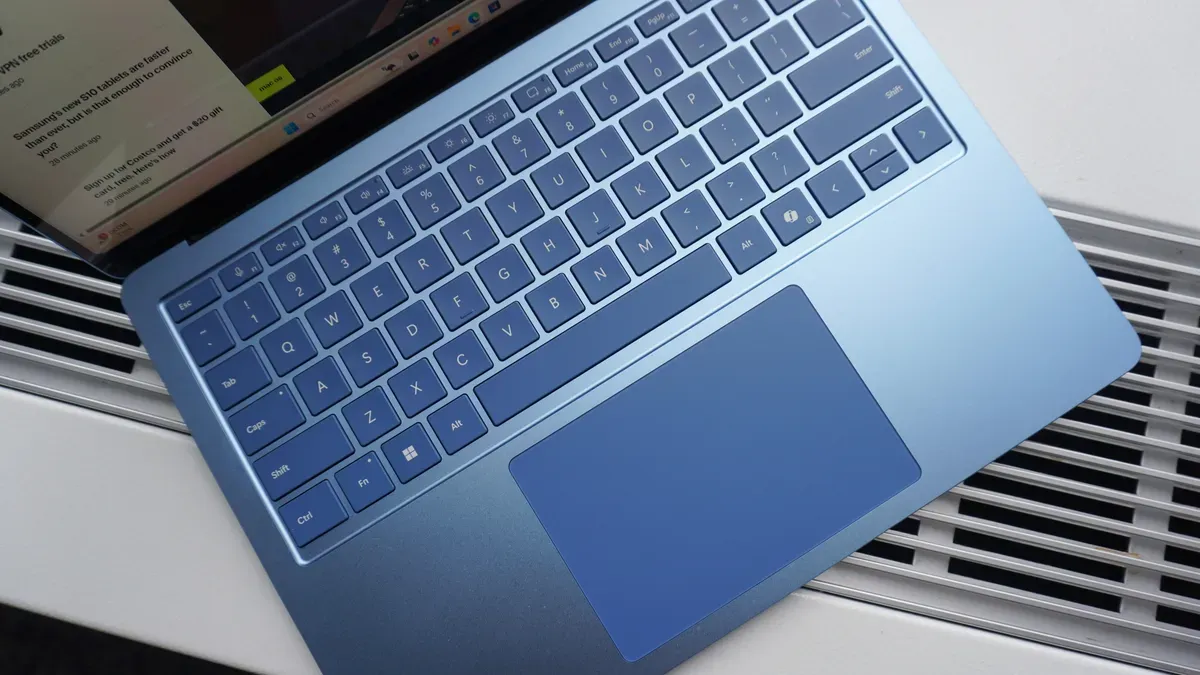
Windows 11 includes dozens of keyboard shortcuts beyond the familiar basics like Ctrl+C and Ctrl+V. While you can do the same actions with a mouse, using shortcuts reduces clicks, speeds navigation and can boost productivity over a workday. Everyday productivity keys include Ctrl+C to copy, Ctrl+V to paste, Ctrl+Shift+V to paste without formatting, Win+V to open the Clipboard history, Ctrl+X to cut, Ctrl+Z to undo and Ctrl+Y to redo, plus Ctrl+F to find, Ctrl+A to select all and Ctrl+S to save.
Accessibility shortcuts range from Win+Plus to open Magnifier and Win+Minus to zoom out, to Win+Ctrl+Enter for Narrator, pressing Shift five times for Sticky Keys, Ctrl+E for search, Left Shift+Left Alt+Print Screen for high contrast, Left Shift+Left Alt+Num Lock for Mouse Keys, Win+Ctrl+C for color filters, Win+U for Accessibility settings and Win+Ctrl+O for the on-screen keyboard.
windows 11, keyboard shortcuts, ctrl+c, ctrl+v, ctrl+shift+v, win+v, clipboard history, magnifier, narrator, sticky keys