
Why I use Apple's and Google's password managers - and don't mind the chaos
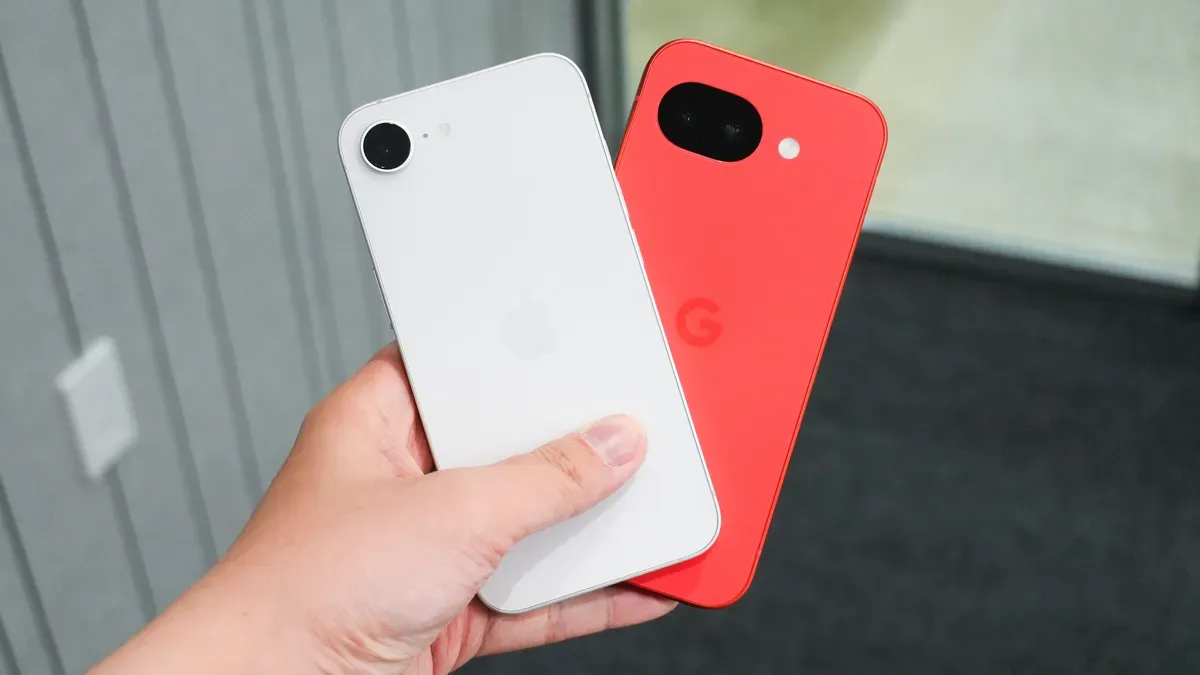
As I get older, I can't remember everything, especially the passwords to my important accounts. Instead of logging them in my Notes app as I used to, I started using Apple's and Google's password managers. They aren't fancy, but they're a great starting point for beginners, and the ubiquity of these companies' products makes their password managers simple to integrate across hardware and software.
I prefer Apple's user interface but use Gmail, and I run Safari on my iPhone while using Chrome on my MacBook, so my passwords ended up spread across Apple's hardware and Google's services. Apple's password manager lets me save passwords on-device, while Google's lets me save them to the cloud.
Apple's password manager stores passwords in my Apple account and saves passkeys in iCloud Keychain, sharing them across Apple devices. On my iPhone I use Face ID as a passkey, and on my MacBook I use my fingerprint. From my experience, Apple Passwords is a solid option for Apple users but—like many Apple features—is limited to the iOS ecosystem.
apple, google, password manager, icloud keychain, passkeys, face id, fingerprint, safari, chrome, iphone