
Windows 11 Home vs Pro: key differences and which users each suits
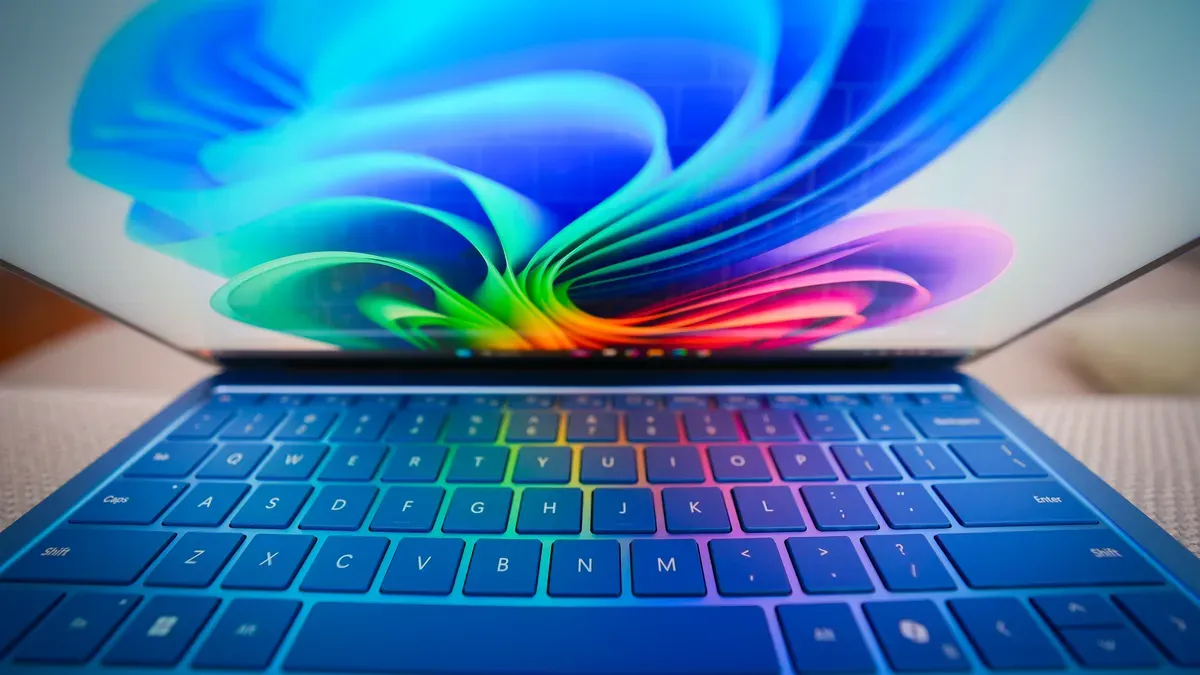
ZDNET compared Windows 11 Home and Windows 11 Pro and set out the principal differences to help users decide which edition fits their needs. Both editions share the full Windows 11 experience — UI, Snap Layouts, Widgets, Clipchamp, AutoHDR, Game Mode, taskbar personalization, Android app support and Copilot.
The article lists Windows Hello, Device Encryption, Windows Defender Antivirus, Firewall, SmartScreen and Family Safety as Home security features; Pro additionally includes BitLocker and Credential Guard. Pro also offers business and enterprise capabilities (Azure Active Directory, Domain Join, Group Policy Editor, Assigned Access, Mobile Device Management, Enterprise State Roaming, Microsoft Intune), virtualization support (Hyper-V, Windows Sandbox), full Remote Desktop hosting and Quick Assist.
A table in the piece notes processor support (Home: 1 CPU/64 cores; Pro: 2 CPUs/128 cores) and shows prices with Home listed as "Free" and Pro as "$199." ZDNET recommends Home for average users who want simplicity and budget savings: it provides the core Windows experience, automatic updates, and built‑in Defender protection, and can be free when upgrading from an eligible Windows 10 PC or comes preinstalled on new machines (a Home license for a self‑built PC is cited at $139).
Key Topics
Tech, Microsoft, Bitlocker, Hyper-v, Azure Active Directory