
ZDNET reporter finds local AI painfully slow on a 16GB M1 MacBook Pro
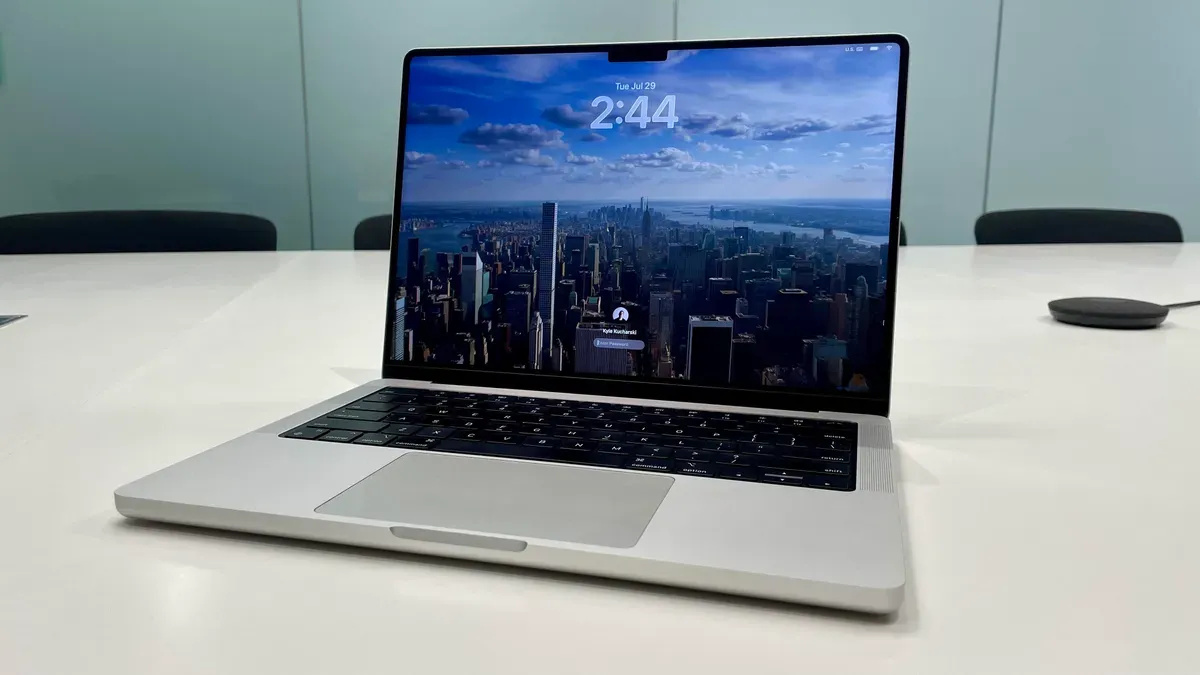
A ZDNET reporter tested running local large language models on a three‑year‑old 2021 M1 MacBook Pro (16 GB RAM, macOS Sonoma) and found downloads straightforward but model inference painfully slow and memory‑limited. The article says the reporter used Ollama as a gateway to local AI because it makes downloading open‑source LLMs relatively easy and integrates with tools such as LangChain.
It also lists common reasons people run models locally: keeping sensitive data on‑device, avoiding cloud fees, and gaining more control for tasks like fine‑tuning or indexing a local document cache. In the experiment the reporter downloaded glm‑4.7‑flash (described in the directory as a 30 billion “parameters” model) which uses about 19 gigabytes of disk.
On a gigabit cable connection, download throughput reached about 45 megabytes per second at times. But glm‑4.7‑flash produced only fragmented output and took more than an hour (the story notes the model “thought” for 5,197.3 seconds) while the machine became noticeably sluggish. The reporter removed model files from the hidden .ollama folder via the terminal after finding no clear in‑app removal instructions, and then tried gpt‑oss:20b, which delivered a response in roughly six minutes but still felt slow for anything beyond simple prompts.
The article cites ChatGPT’s guidance that a minimum configuration for running gpt‑oss:20b is 32 gigabytes of DRAM and notes Ollama’s Mac GPU support via a llama.cpp backend.
m1 macbook pro 16gb, local llms on mac, ollama macos binary, glm-4.7-flash model, gpt-oss:20b performance, 32gb dram minimum, langchain integration, llama.cpp mac gpu, ollama folder removal, 30 billion parameters, 45 megabytes per second, 19 gigabytes disk