
ZDNET: Avoid using your router's USB port
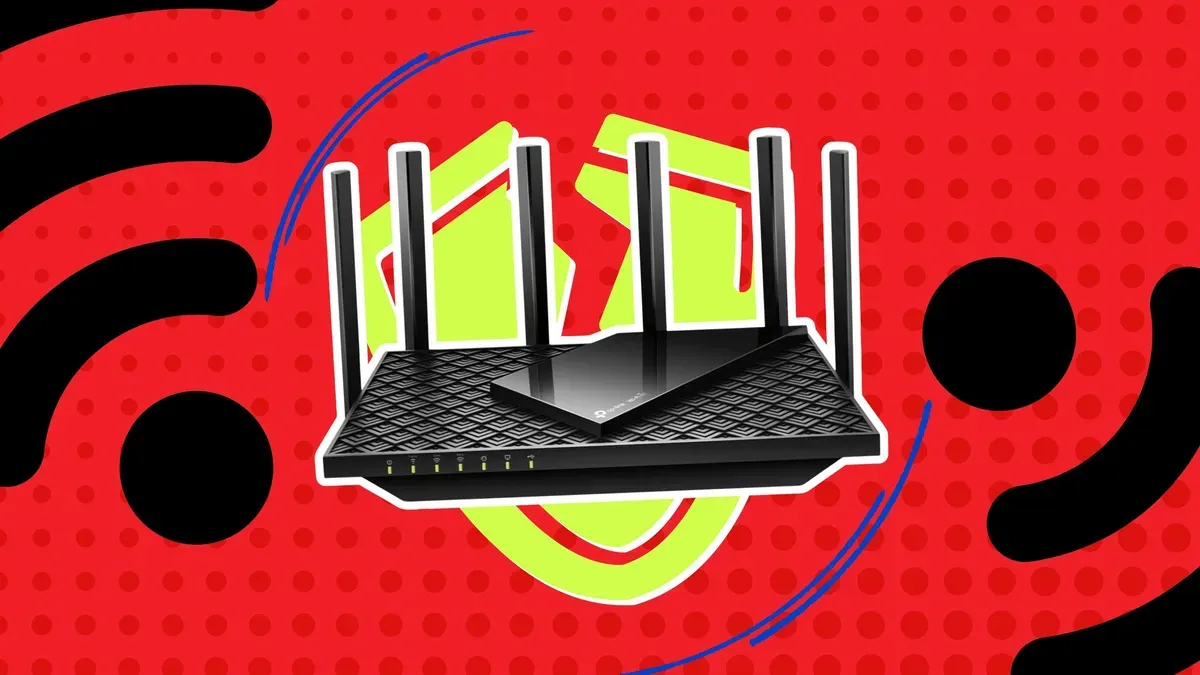
ZDNET writer Cesar Cadenas says he does not recommend using the USB port on home Wi‑Fi routers, calling it a potential weak link that can expose files and credentials on your network. Ports vary by model and can offer conveniences such as basic file sharing or device charging, but Cadenas argues those benefits are outweighed by the risks.
One major concern is security: many router USB implementations rely on outdated protocols such as FTP, which can transmit passwords in plain text, and legacy SMBv1, which was exploited by the WannaCry ransomware in 2017. Cadenas notes that a vulnerable USB service does not necessarily mean the entire router is compromised, but the port can be an entry point for attackers.
Reliability is another issue. Consumer routers are optimized for networking, not file‑server workloads, so using the USB port can cause slow wireless speeds, latency spikes, connection drops and file transfer failures. Cadenas also warns of possible interference between USB 3.0 and 2.4 GHz Wi‑Fi and of added heat and wear from the extra electrical load.
As safer alternatives, he recommends investing in a NAS device — which commonly supports AES‑256 encryption and RAID — or using cloud storage (Google offers 15GB free; Apple iCloud and Microsoft OneDrive offer 5GB). He highlights the TerraMaster F8 SSD Plus and the QNAP TS‑233‑US as ZDNET recommendations, and cautions about lesser‑known cloud providers offering unusually large free tiers.
Key Topics
Tech, Usb Port, Wi-fi Router, Ftp, Nas, Cloud Storage