
Block app tracking on iPhone using Apple's App Tracking Transparency
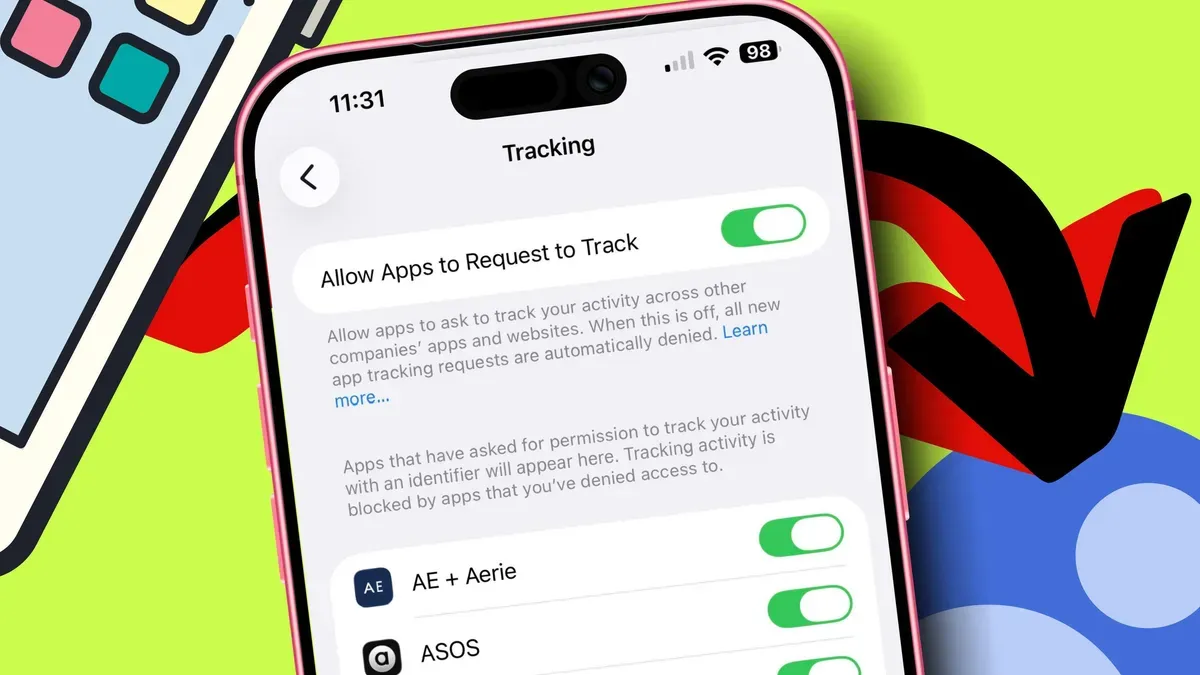
Apple's App Tracking Transparency lets iPhone users block apps from tracking their activity across other apps and websites, preventing access to the device advertising identifier and stopping companies from linking that activity, ZDNET's guide says.
When a newly installed app requests permission to track, the prompt appears the first time you open it; the guide advises tapping "Ask App Not to Track" so the app is denied access, will still work, and will show non‑targeted ads. To stop prompts systemwide, open Settings > Privacy and Security > Tracking, toggle off "Allow Apps to Request to Track" and select "Ask Apps to Stop Tracking" — this prevents new prompts and revokes tracking permissions previously granted.
You can also manage tracking per app via Settings > Privacy and Security > Tracking and toggle off specific apps; changes take effect immediately (a restart will ensure they apply). ZDNET notes App Tracking Transparency arrived in 2021 with iOS 14.5 and that the guide was prepared on iOS 26.2, and adds that blocking tracking does not remove ads (they become generic) nor does it affect location tracking, which is controlled separately under Settings > Privacy and Security > Location Services.
Key Topics
Tech, Apple, App Tracking Transparency, Iphone, Advertising Identifier, Data Brokers