
Disable TV motion smoothing — why experts usually recommend turning it off
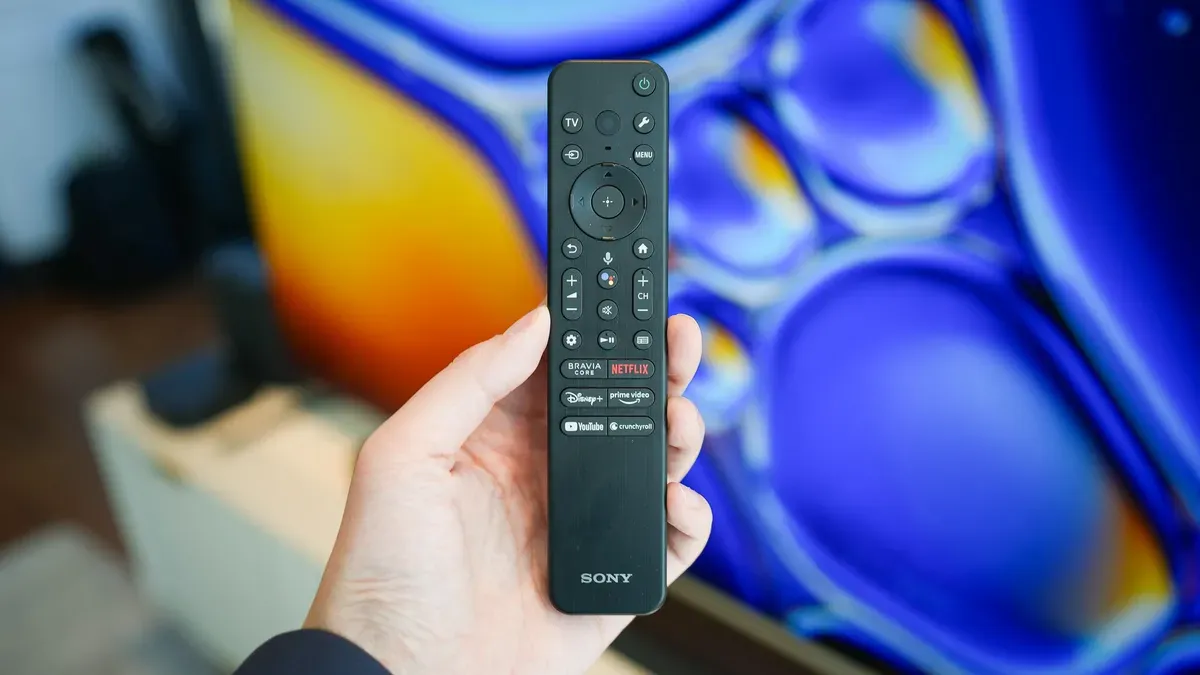
ZDNET advises that the default motion-smoothing setting on many smart TVs produces the so-called "soap opera effect" and that experts generally recommend turning it off for most movies and shows. The outlet says motion smoothing, also called motion interpolation, can make films look artificial or hyper-realistic and may detract from a filmmaker's intent.
It adds that the feature can be useful for watching live sports or for gaming, where reducing blur during rapid movement is desirable. On most TVs you can find motion options in Picture settings; look for features containing the word "motion." ZDNET lists common names and menu paths: Samsung calls it Auto Motion Plus; LG calls it TruMotion; Amazon TVs label it Action Smoothing; Sony on Google TV calls it Motionflow, TCL calls it Action Smoothing, and Hisense uses Motion Enhancement and Motion Clearness (both should be disabled to turn smoothing off).
Vizio names the feature Clear Action. On Roku TVs, open an input or app, press the asterisk (*) button, choose Picture Settings, and check Advanced or Expert Picture Settings if needed. The guide explains motion interpolation injects frames to raise standard 24 fps to 60 or even 120 fps, creating smoother transitions and sharper images during fast pans or action.
Key Topics
Tech, Motion Interpolation, Samsung, Lg, Sony, Tcl