
How to change your hair in Heartopia
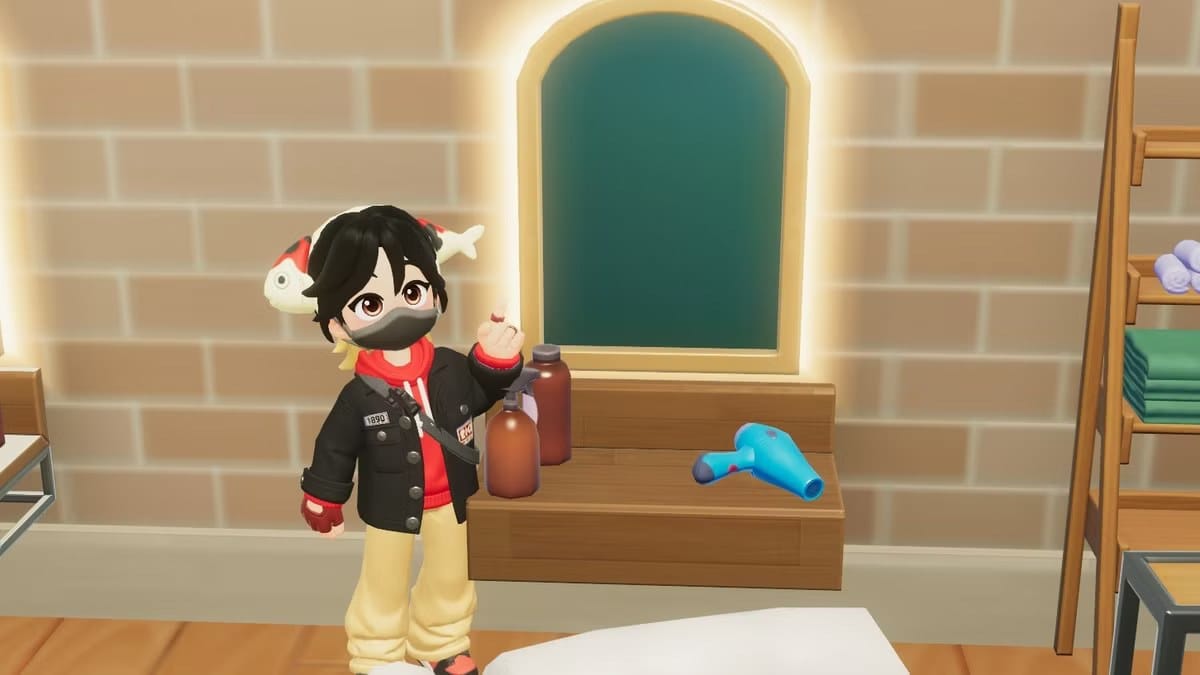
After you refresh your outfit in Heartopia, you can change your hairstyle using a mirror furnishing item in your home. If you don’t have a mirror yet, there are other options.
Interacting with any mirror inside your house lets you select some of the styles available when you first made your character and adjust other features like skin tone, eyebrows, eyes, and facial hair. Mirrors in other players’ homes work the same way.
If you’d rather not visit someone else’s house, go upstairs to Dorothee’s clothing shop and use the mirrors on the wall. There you can switch to any hairstyle you’ve unlocked, or buy additional styles—some cost gold, others cost Wishing Stars—and you can “try on” looks normally only available from the Gilded Acorn Expedition gacha before spending premium currency.
Be aware that many gacha hairstyles restrict color choices. For example, the Forestbell Spell hair comes only in certain pastel shades, so a darker twintail option may require a future update.
heartopia, mirror furnishing, hairstyle, dorothee, clothing shop, wishing stars, gold, gilded acorn, gacha, forestbell spell