
How to install Stardew Valley mods: SMAPI, Stardrop, and Content Patcher
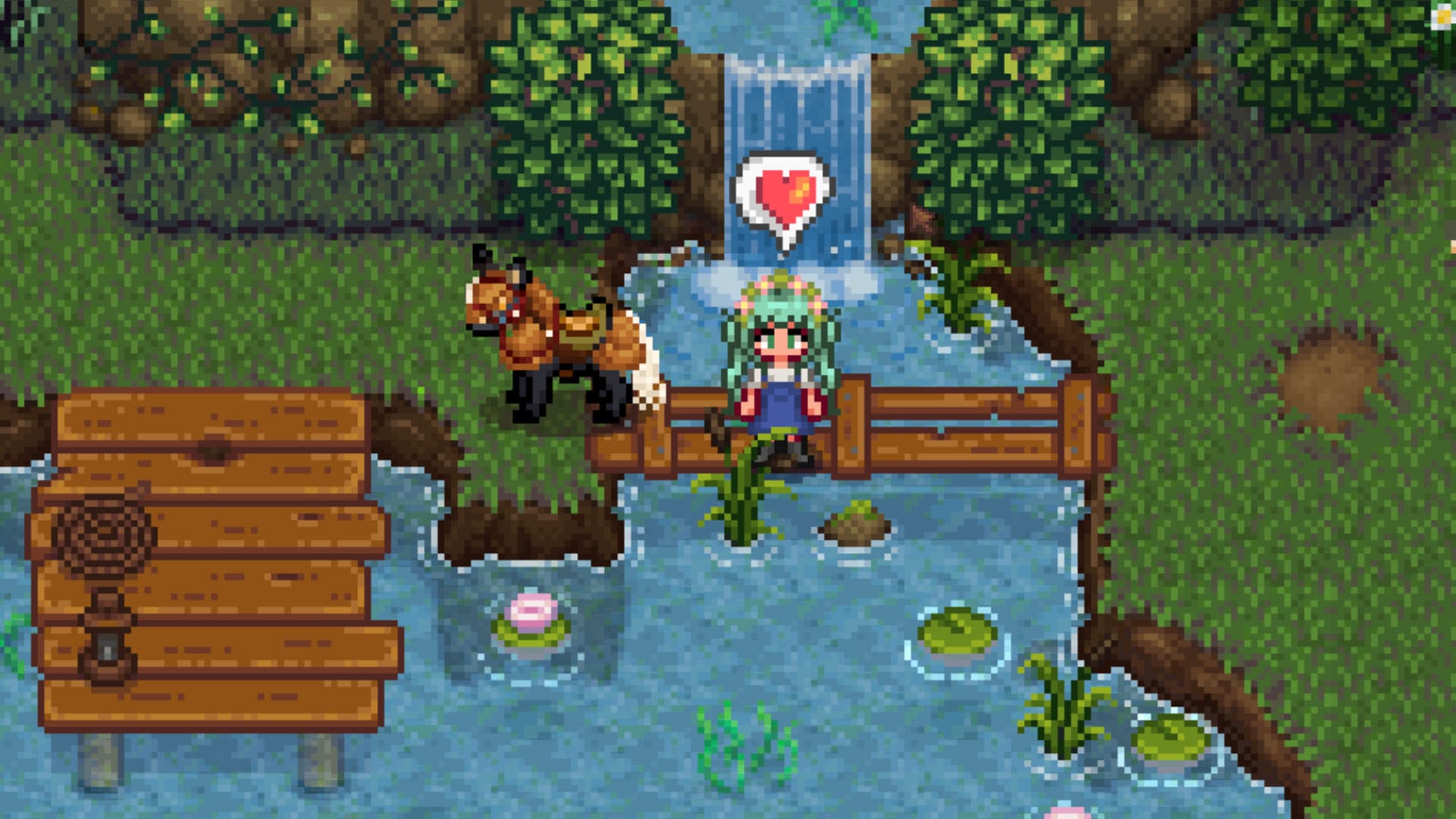
Stardew Valley is fun on its own, but modding opens up far more options. This guide walks through the basics: the mod loader SMAPI, setting up the Stardrop mod manager, where to grab mods, and how Content Patcher and Alternative Textures work. Start by downloading SMAPI, Stardrop, and Content Patcher and extracting them to a central folder for easy access.
SMAPI is the only absolute must—it's the framework that lets the game load mods—while Stardrop keeps files organized and Content Patcher lets many mods load without replacing game files. After launching Stardew Valley at least once and extracting SMAPI, run the Install on Windows.bat (or the Linux equivalent) and follow the console instructions; this should leave a Mods folder and StardewModdingAPI.exe in the game's main directory.
For Steam, add "C:\Program Files (x86)\Steam\steamapps\common\Stardew Valley\StardewModdingAPI.exe" %command% to Launch Options. GOG users can add StardewModdingAPI.exe as a custom executable and set it as the default.
stardew valley, smapi, stardrop, content patcher, alternative textures, stardewmoddingapi.exe, mods folder, launch options, gog executable, install .bat