
How to turn off Mewgenics' anti save scumming feature, Steven
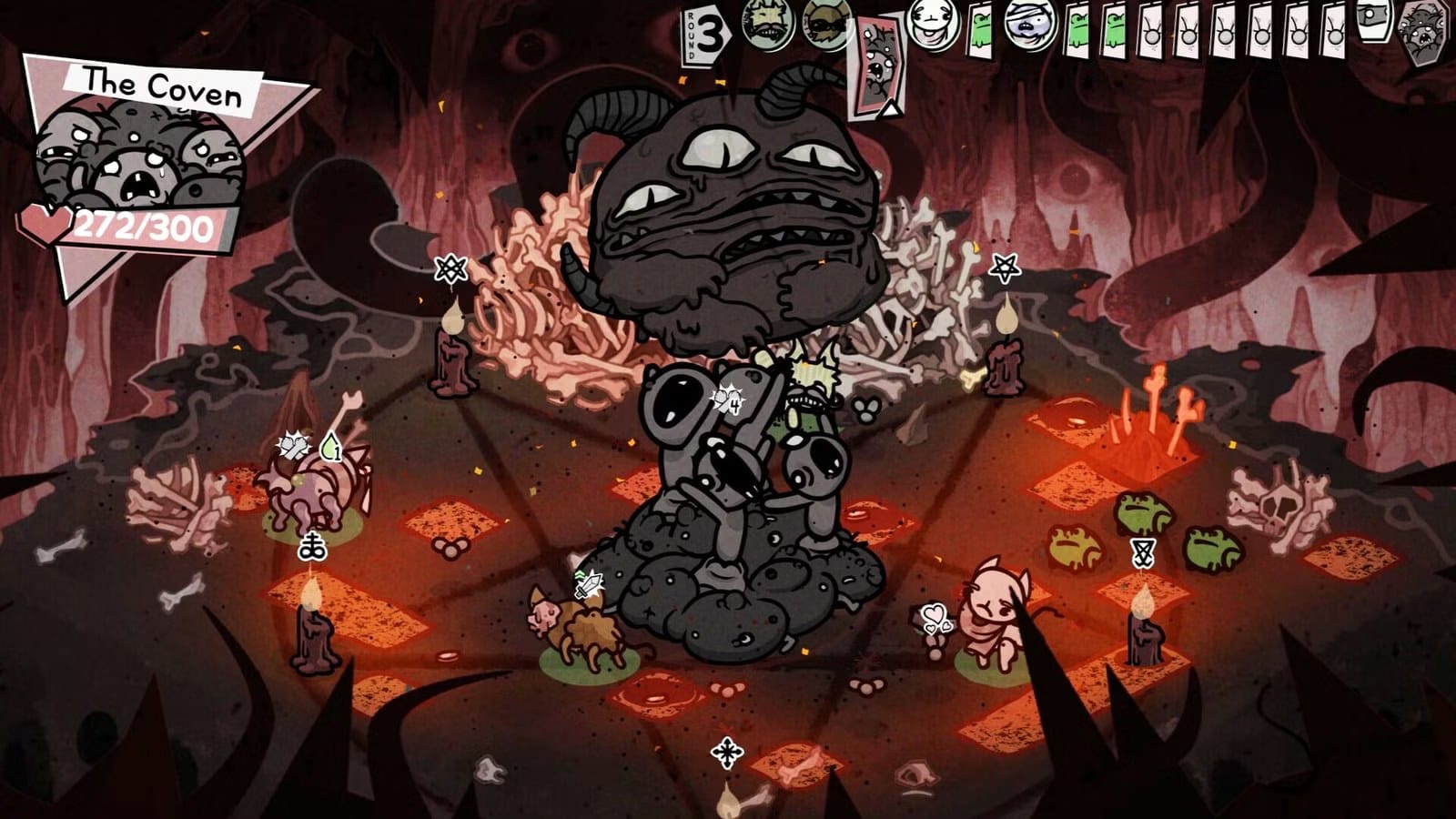
Mewgenics prevents players from "save scumming" by recognizing when you leave in the middle of battle and issuing a Resseti-style warning. The second restart inflicts one of your cats with a debuff that gives it a 10% chance of disobeying your orders. Tempt fate a third time and Steven takes over your game entirely: you can pick the trajectory and equip cats, but the battles are controlled by AI.
There are times when leaving a fight is unavoidable—battles are short, but crashes or mistakes happen, and there’s no way to save and quit once you’re in. On Windows the easiest workaround is to press Control + Alt + Del, open the Task Manager, click Details, find Mewgenics.exe, right click it and select 'End Process Tree.' Do this before the game loads into a different state—for example, if your team wipes, perform it before you return home.
That method has limits.
mewgenics, save scumming, anti save, resseti-style, debuff, disobeying, task manager, mewgenics.exe, windows, ai control