
How to unlock and use Slumber Islands in Animal Crossing: New Horizons
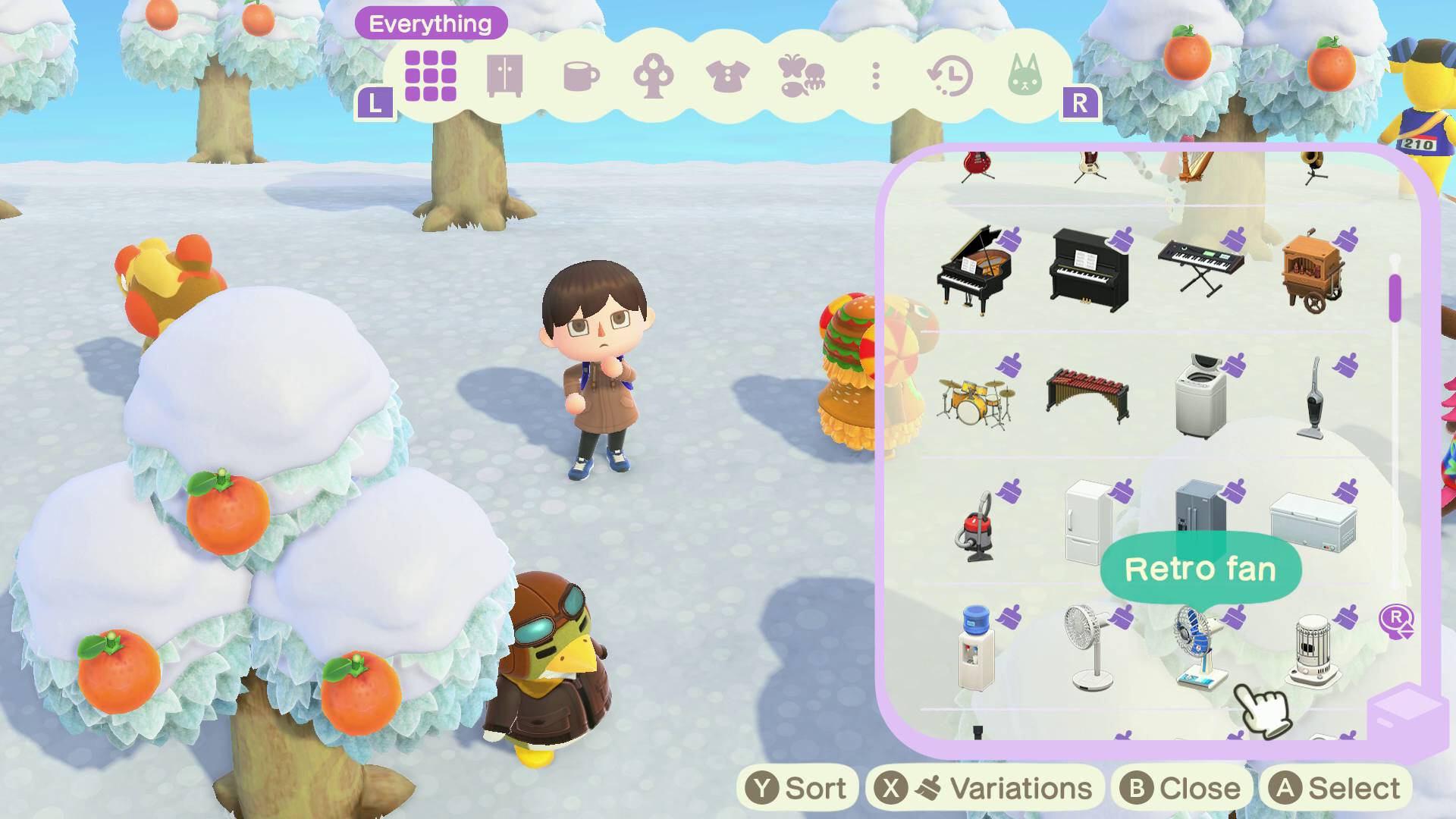
Gamesradar explains that Slumber Islands in Animal Crossing: New Horizons let you decorate separate, sandbox islands using items you've already gathered without affecting your main island. To create a Slumber Island you must lie on a bed in your house and choose the "It's slumber time" option, but that choice appears only if you have the 3.0 update installed, an active Nintendo Switch Online subscription, a console connected to the internet, and access to Luna (which requires a main island rating of at least three stars and a visit to one of her Dream Islands).
You should also receive a letter from Luna telling you to go to sleep to access the dream space. When creating a Slumber Island you pick size (small, medium, or large—small matches a mystery island, large matches your regular island, medium is between) and one of four layouts (three random terrain/rivers or a flat option).
On a Slumber Island your regular inventory is replaced with basic tools but you can place any previously obtained items via the item collection (D-Pad Right), name the island through Luna, place current and former villagers, decorate a duplicate exterior of your house with a blank interior, terraform land, lay paths and fences, and use Lloid to instantly construct bridges, inclines, or move and renovate your house.
Key Topics
Culture, Slumber Islands, Animal Crossing, Luna, Lloid, Nintendo Switch Online