
How to use Hytale’s console commands for building, NPCs and more
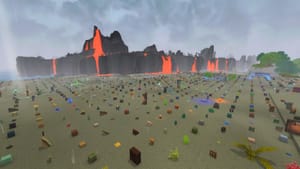
Polygon lists an extensive set of Hytale console commands that enable free building, copying and pasting, NPC makeovers, weather resets, time skips, free weapons and other gameplay changes.
To use console commands in creative mode, press "/"; in exploration mode you must first enter "/op self" to enable commands. The article provides base commands with optional extensions and examples, such as "/give Tool_Hatchet_Thorium" to grant an item, "/damage [username] --amount 50" to remove HP, "/fillblocks 20%Rock_Stone" to fill empty space with stone, "/npc spawn Kweebec_Sapling_Orange" to spawn an NPC, and "/weather set Zone1_Rain" to change weather.
The command list covers server and world management (auth, backup, ban), block and clipboard operations (select, copy, paste, rotate, undo/redo), entity and NPC controls (npc clean, populate), player and inventory commands, teleportation (tp home/top/back/world), time controls, world settings (for example "/world settings freezeallnpcs set true"), and map resizing ("/worldmap viewradius set 1000 --bypass" with notes on the --bypass requirement). It also notes that the list focuses on base-game commands and that many Hytale mods add their own console commands.