
MoCA adapters let you use existing coax outlets for wired home networking
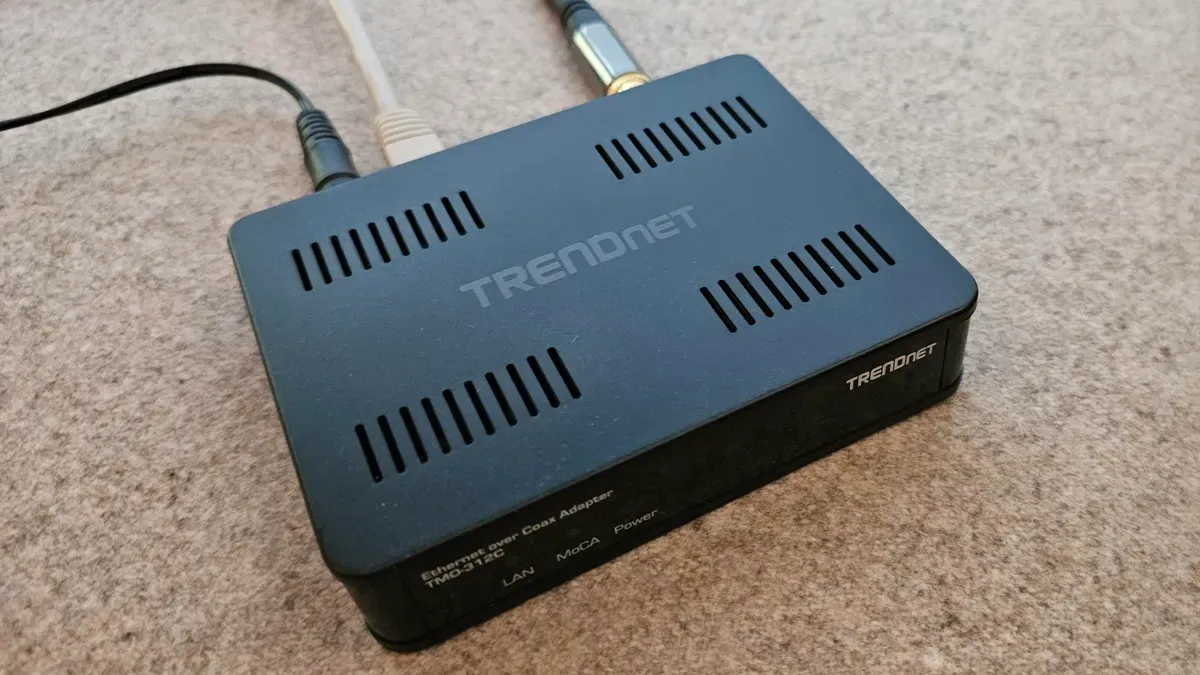
MoCA (Multimedia over Coax Alliance) adapters let homeowners and renters create wired Ethernet connections using existing coaxial cable outlets, avoiding the need to run new Ethernet cabling through walls. The latest MoCA 2.5 specification supports speeds up to 2.5Gbps. An adapter at each end converts a coax connector to an RJ45 Ethernet jack; Michael Gariffo reports using a Trendnet TMO-312C adapter to link a home office PC to a cable outlet.
Gariffo says his more than 20-year-old coax reliably carried a 1Gbps signal over more than 100 feet, and notes that if a home’s coax can carry HDTV it is likely capable of running a modern network, although in very old homes you might run into issues. How you set it up depends on the entry point.
If a cable modem or gateway supports MoCA directly, you may only need an adapter at the remote outlet. If it does not, the configuration requires a cable splitter and a second MoCA adapter to attach to the modem’s Ethernet port. Multiple outlets can each host an adapter, and any Ethernet-compatible device or a Wi‑Fi access point can be plugged into those adapters; the author also notes this works regardless of whether internet arrives by cable or fiber because the entry point typically includes a router with RJ45 ports.
Key Topics
Tech, Moca, Coaxial Cable, Poe Filter, Cable Modem