
You don't need G Hub running to save or switch Superstrike settings
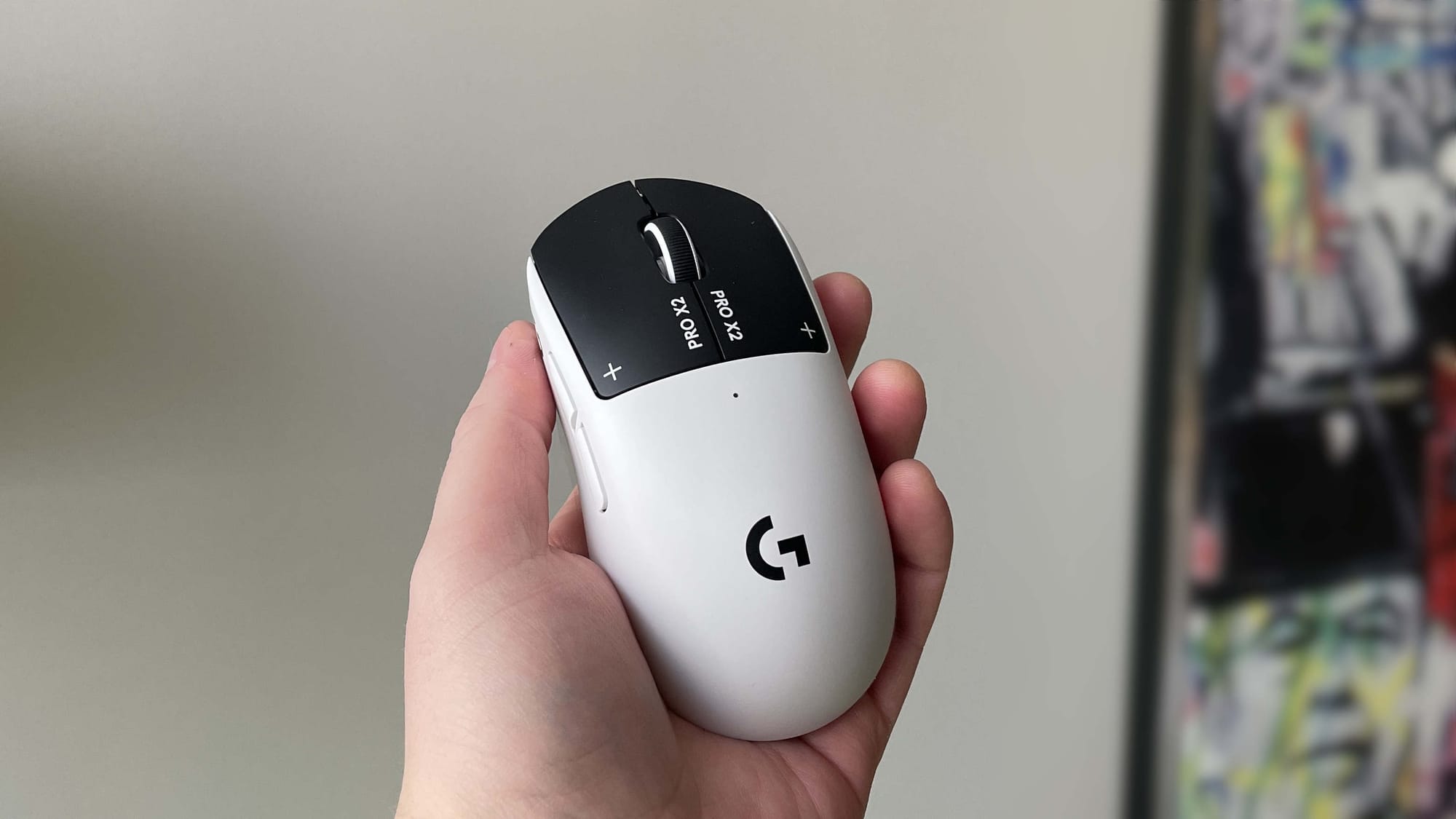
After a week with the Logitech G Pro X2 Superstrike I discovered you can save settings to the mouse so they persist after G Hub is closed. You can also switch between on-board profiles with button presses — changing haptic feedback, actuation point, polling rate, DPI and more — without the app, once you've used it for initial setup.
To set this up, create up to five profiles via the Profile dropdown > Manage Profile, and choose the DPI, polling and HITS settings for each. For every profile, replace a button assignment with Onboard Profile Cycle (found under System) in the Assignments tab; then enable Onboard Mode in the Settings cog and import each G Hub profile into the onboard slots.
The button you selected will then toggle between those onboard profiles. Each profile gets its own colour that flashes on the mouse LED when you toggle, and the settings persist even when booting into a different OS — the writer tested it in Linux.
logitech, g pro, superstrike, g hub, onboard profiles, onboard mode, dpi, polling rate, haptic feedback, linux