
Reclaim 15GB by moving old Gmail messages to a new archive account
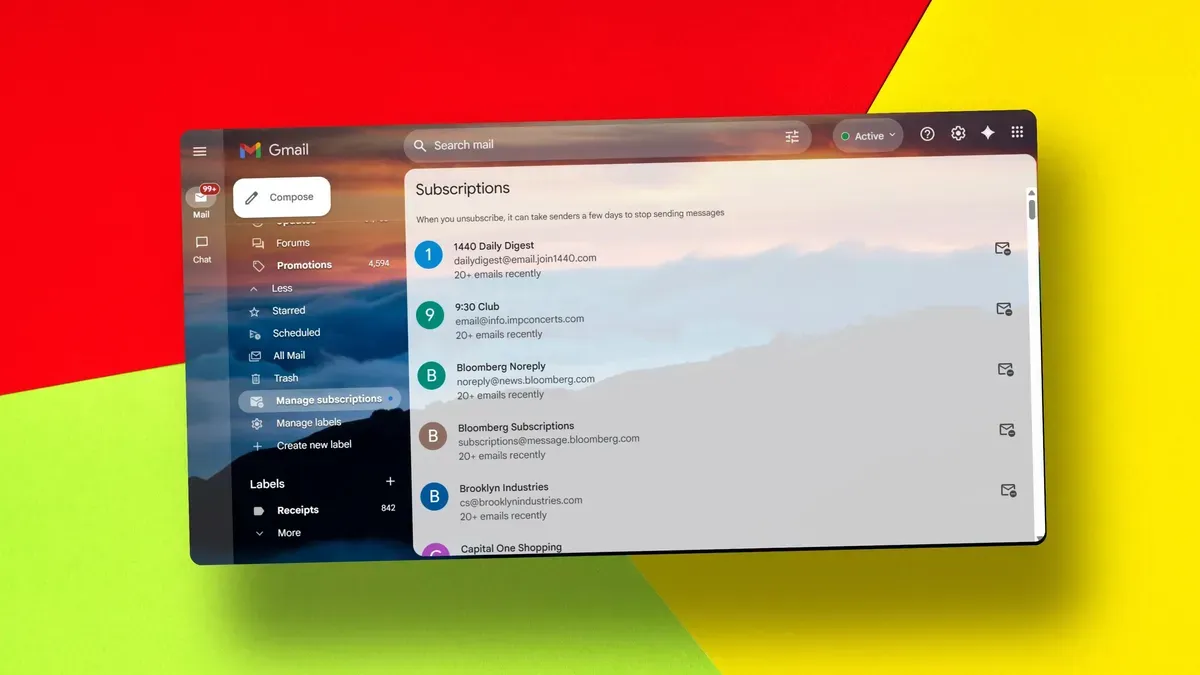
ZDNET outlines a free method to regain 15GB of Gmail storage by moving older messages into a new archive Gmail account. The article notes that every new Google account includes 15GB of free storage, which is shared with Google Drive and Google Photos. The guide’s first recommendation is to back up files and media using Google Takeout before migrating.
It then instructs users to enable POP for all mail in the original account’s Forwarding POP/IMAP settings and to select the option that deletes Gmail’s copy when messages are accessed with POP. Next, create a new Gmail account to serve as the archive, then in that account’s Accounts and Import settings add the original account and choose “Import emails from my other account (POP3).” The article warns you may need a Google app password if the regular account password won’t work.
It also specifies using port 995 and checking the boxes for SSL, labeling incoming messages, and archiving incoming messages (skip the Inbox). ZDNET says the migration starts automatically and timing depends on volume—CNET’s example of about 75,000 messages took roughly two days to transfer and deleting those messages from Trash took about an hour.
The article adds that Gmail will not transfer Drafts and Spam, and it outlines final steps to stop the automatic forwarding by deleting the original account entry under “Check mail from other accounts,” leaving a cleared original inbox and older mail stored in the new archive.
Key Topics
Tech, Gmail, Google, Google Takeout, Google One, Google Drive