
Turn any Roku-connected TV into an art display with Roku Backdrops
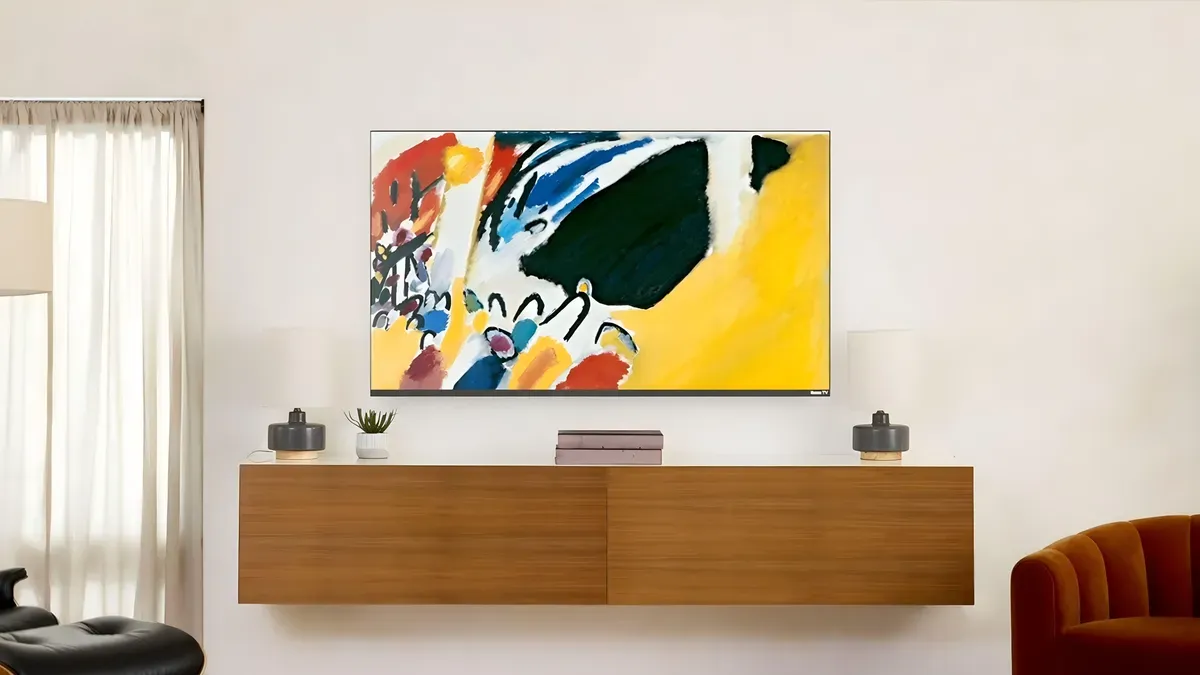
Roku Backdrops lets a Roku TV or a TV with a Roku streaming device display art or photos when idle, creating a Frame-like experience without extra cost. The feature, introduced in late 2024, shows curated artwork, photography or your own images instead of a blank screen. To get Backdrops you need a Roku streaming device or a standalone Roku TV running a recent Roku OS.
From the Home screen go to Settings > System > System update, select Check now and install updates; Backdrops should then appear on the Home screen or can be added from Streaming Channels. On some Roku TVs Backdrops also appears under Settings > Backdrops. Backdrops includes thousands of free images across curated collections; you can preview images, see artist names or artwork titles, and choose a single image or a rotating slideshow.
To set one image open it and select Start Backdrops (or press * on the remote to preview, set, or add to favorites). To use a slideshow, open a collection and select Set as Backdrop. You can upload personal photos in the Backdrops app by selecting Upload photos (the process may ask you to scan a QR code), or connect a Google Photos album.
Roku recommends high-resolution JPG or PNG files that match or exceed your TV's resolution for best quality.
Key Topics
Tech, Roku Backdrops, Roku, Roku Tv, Roku Os, Samsung Frame Tv