
Three PS5 privacy settings to limit data sharing and reduce spam
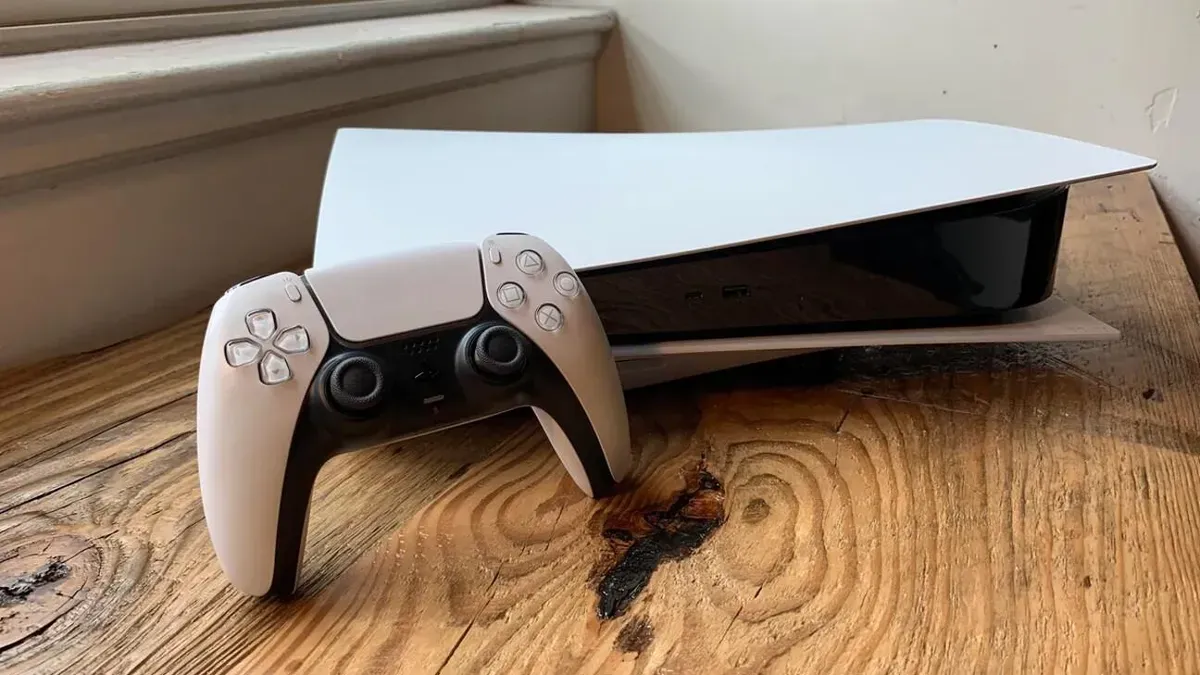
PS5 owners can adjust privacy settings on the console to control what information is visible to others, restrict who can communicate with them, and manage how account and console data are used.
To change these options, go to Settings > Users and Accounts > Privacy > View and Customize Your Privacy Settings. There you can control who can see your real name, profile picture, friends list, game activity and history, and who can send friend requests or interact with you online.
The source recommends setting each visibility option to "No One" or "Close Friends Only" to reduce unwanted friend requests or spam. Under "Control how your data is collected and used," change Data You Provide to Limited, turn off all four Personalization sub-options (including Standard Personalization), and set Voice Data Collection to Don't Allow.
The guidance aims to limit the personal information sent to Sony—including voice data collected via the DualSense microphone—and says these changes should significantly reduce unwanted requests or spam.
Key Topics
Tech, Dualsense, Sony, Privacy Settings, Voice Data, User Accounts