
Use Wi‑Fi calling to make calls when your mobile network is down
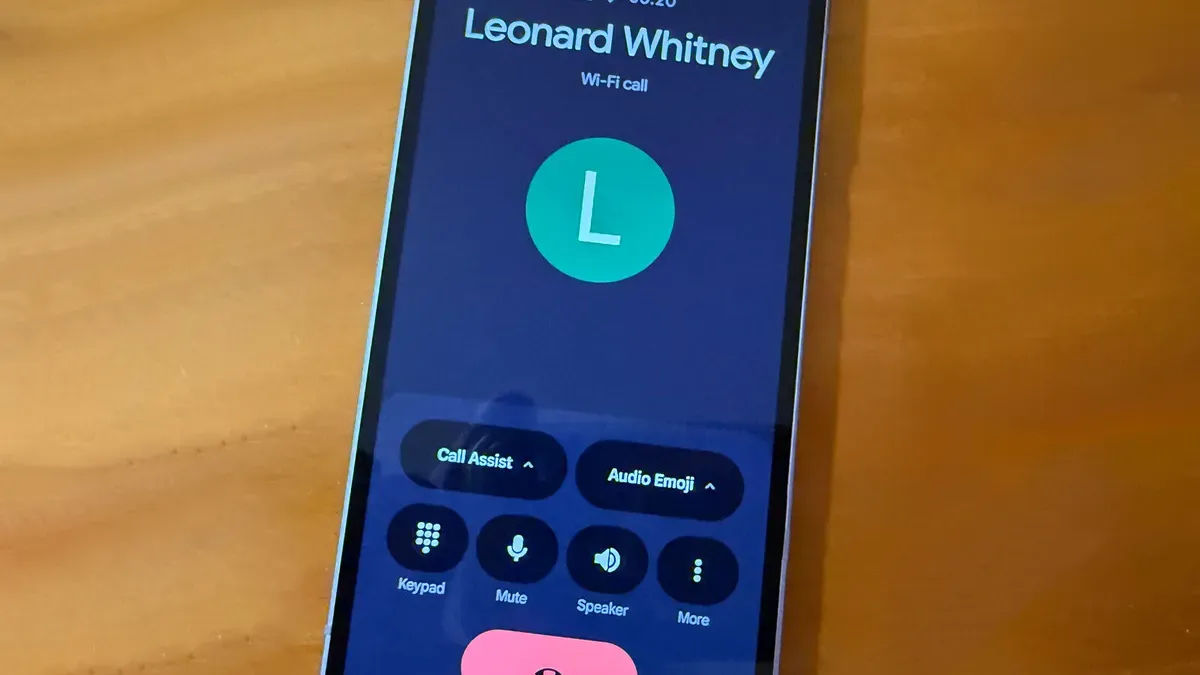
A recent Verizon outage highlighted that mobile networks can fail, and one option when cellular service is spotty or down is Wi‑Fi calling, which lets you make and receive audio and video calls over a nearby Wi‑Fi network. On iPhone, Wi‑Fi calling has been available since the iPhone 5c and is supported by almost all US carriers; you can check carrier support on Apple’s "Wireless carrier support and features for iPhone" page.
To enable it, open Settings, select Cellular, tap Wi‑Fi Calling and turn on "Wi‑Fi Calling on this iPhone." The first time you enable it you will be prompted to enter an emergency address and agree to terms; you can update that address later from the Wi‑Fi Calling settings. Some carriers also offer a "Prefer Wi‑Fi While Roaming" option to minimize roaming data costs.
On Android, Wi‑Fi calling has been available since 2015 and is offered by major US carriers including Verizon, AT&T and T‑Mobile. On a standard Android phone such as a Google Pixel, go to Settings > Network & internet > SIMs, select your carrier, then enable Wi‑Fi calling under Calling.
Choose a Calling preference to prefer Wi‑Fi when cellular is unavailable. On Samsung phones, open the Phone app, tap the three‑dot icon > Settings, then enable Wi‑Fi calling in Call settings and set Calling Preference to Wi‑Fi preferred.
Key Topics
Tech, Wi-fi Calling, Iphone, Android, Verizon, At&t