
Watching football? Change these 5 settings on your TV for better performance instantly
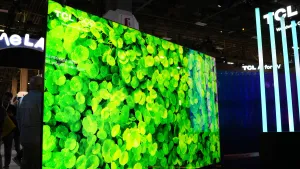
Watching football? A few simple tweaks to your TV’s picture settings can noticeably improve motion, clarity and color. Turn down Sharpness — it controls processor-driven edge enhancement, not real resolution, and can introduce noise or distort details. Disable Motion Smoothing (frame interpolation) when possible: it generates extra frames that can create the “soap opera” effect and is often enabled by default under names like TruMotion, Auto Motion Plus, Motionflow or CineMotion.
Switch off Vivid mode and reduce Brightness so colors aren’t oversaturated and shadows retain detail; stores use bright demo settings that don’t suit living-room lighting. To set brightness, pause on a dim scene, start at the lowest level and raise it until shadow detail appears without making blacks too bright.