
Windows 11 Home vs Pro: key differences in features, security and price
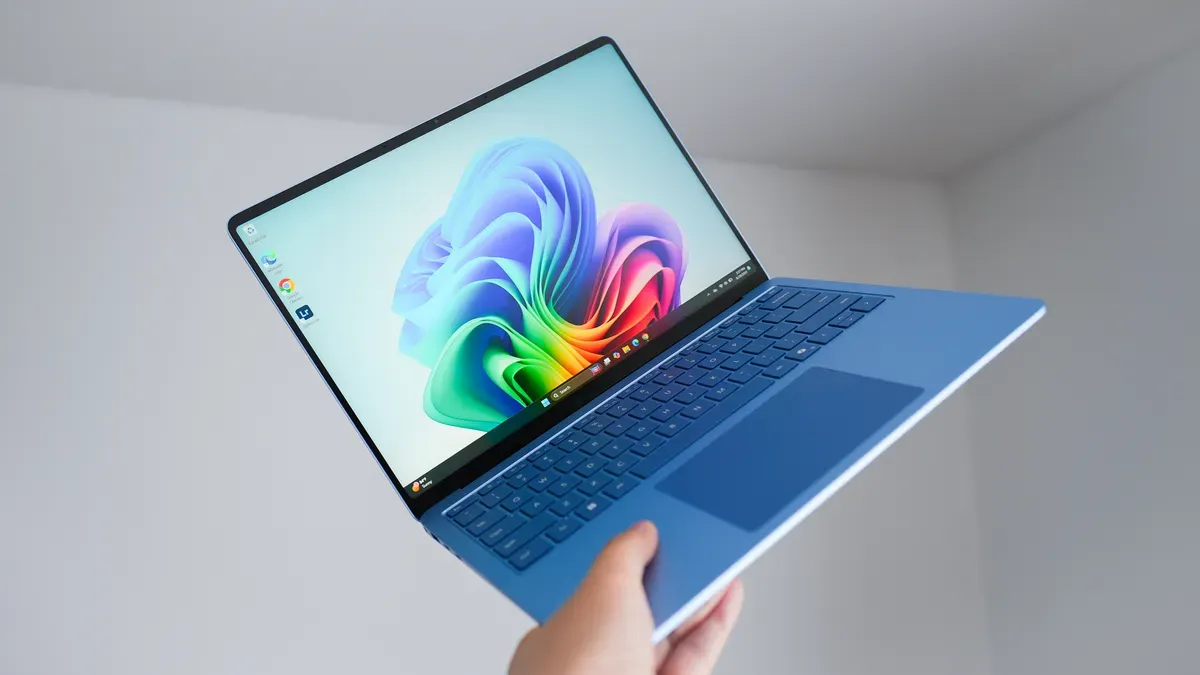
ZDNet technology columnist Lance Whitney compared Windows 11 Home and Windows 11 Pro and offered guidance on which edition to choose based on features, security and cost. According to the comparison, both editions include the full Windows 11 UI and consumer features such as Snap Layouts, Widgets, Clipchamp, AutoHDR, Game Mode, taskbar personalization, Android app support and Copilot.
Windows 11 Pro adds advanced security and management tools — BitLocker, Credential Guard, the Group Policy Editor, Azure Active Directory and domain join capabilities — plus virtualization support (Hyper‑V and Windows Sandbox) and full Remote Desktop hosting. The table in the piece also notes processor support differences (Home: 1 CPU, 64 cores; Pro: 2 CPUs, 128 cores).
On price, the article says Home can be free when upgrading from an eligible Windows 10 PC and is preinstalled on new Windows PCs, while Pro costs around $200 for a full license or about $100 to upgrade from Home; a Home license for a self-built PC was listed at $139. The author also warns that heavily discounted Pro product keys appear on some third‑party sites for under $30, but he does not recommend buying such grey‑market keys.
Whitney recommends Windows 11 Home for typical, budget‑conscious users who want simplicity and built‑in protections such as Windows Defender, and Windows 11 Pro for users who need finer system control or virtualization tools for testing and isolated environments.
Key Topics
Tech, Microsoft, Bitlocker, Hyper-v, Group Policy Editor, Azure Active Directory