
Windows 11 adds an internet speed test to the taskbar
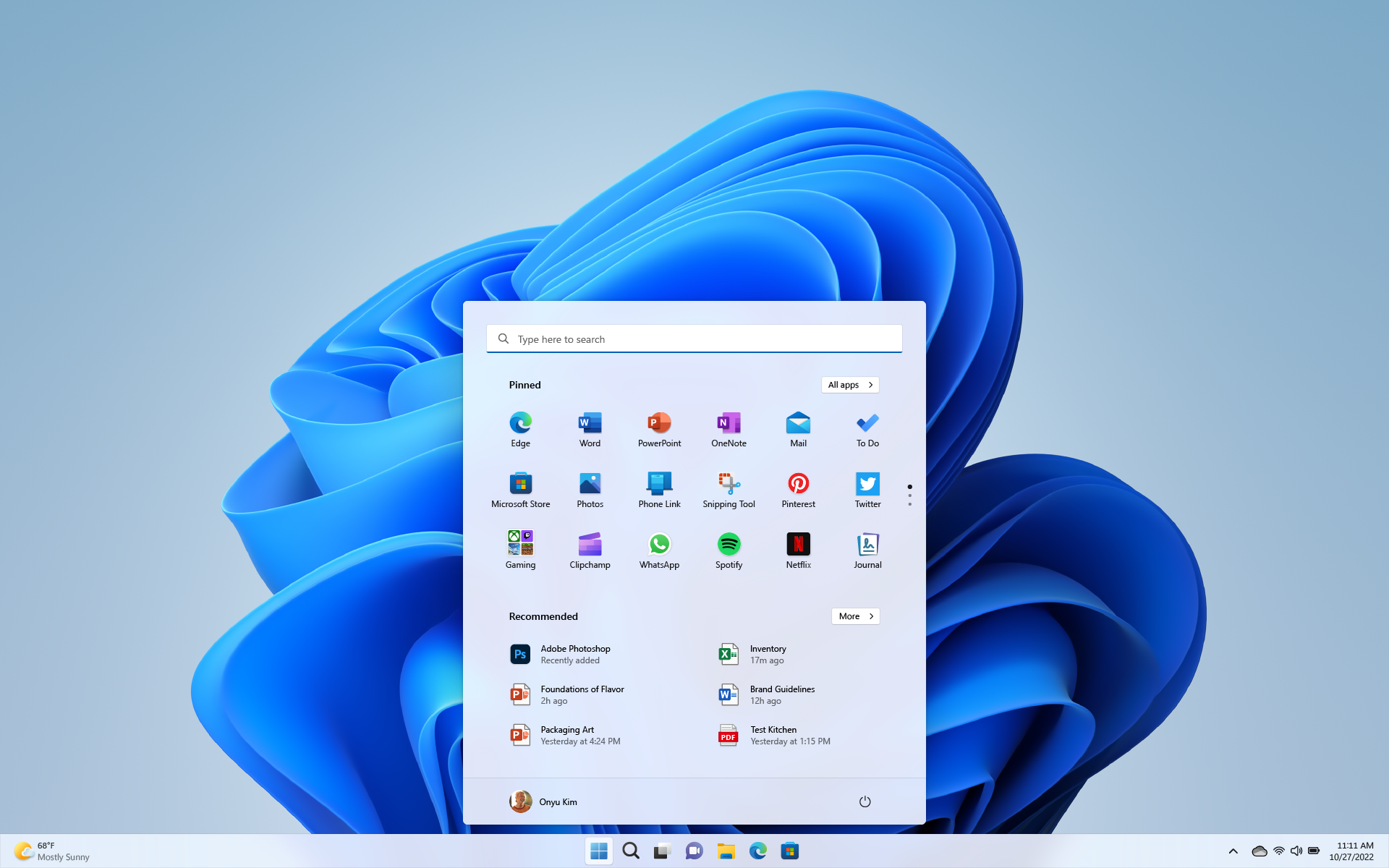
Microsoft has added a built‑in network speed test to the Windows 11 taskbar. The feature appears in Windows 11 Builds 26100.7918 and 26200.7918 (KB5077241) and measures Ethernet, Wi‑Fi, and Cellular connections. Buttons to run the test appear in the network icon's context menu and the Wi‑Fi quick settings.
Selecting "Perform speed test" or "test internet speed" opens the default browser and takes you to the Bing speed test. Microsoft previewed the feature last year and is rolling it out to Windows Insiders now. It is expected to reach all Windows 11 users in the coming weeks, starting with the non‑preview security update for February.
The builds also include other tweaks, such as pan and tilt controls for supported cameras in Settings, revised emojis, enhanced restore and recovery for cloud PCs and enterprise installations, and support for .webp files as desktop backgrounds.
windows 11, taskbar, speed test, bing speed, network icon, wi-fi, ethernet, cellular, windows insiders, webp files