
Your Android phone feeling slow? A 4-step refresh routine
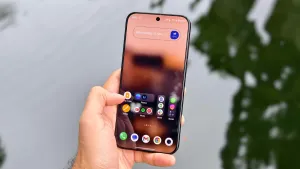
I cover consumer tech and use dozens of smartphones each year, and many people ask how to make their current phone faster. The short answer is to clear storage and apply a few simple tweaks. If your Android has started feeling slow, try this four-step routine. First, remove unused apps to free space and reduce background resource use.
Go to Settings > Storage > Apps to see installed apps, or long-press an app and choose App Info > Uninstall. Next, review files and photos—check the Downloads folder and offload pictures to an external drive or the cloud. Clear app caches for less-used apps via Settings > Storage > App > Clear Cache to reclaim additional space.
Keep the software up to date to improve speed and security. Check for system updates under Settings > General > System Update, then open the Google Play Store and update remaining apps so you have the latest features and performance improvements. As a bonus, you can make the interface feel quicker by changing animation speeds in Developer options.